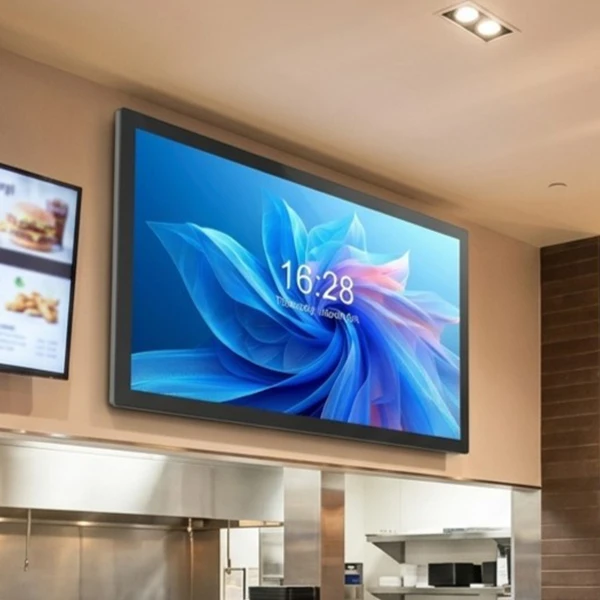
Touch screen monitors have become an important part of modern business environments. From self-service kiosks and retail checkout systems to meeting room displays and industrial control panels, touch technology helps businesses create faster, simpler, and more interactive user experiences.
Unlike traditional monitors that only display information, touch screen monitors combine visual output and human interaction in one device. Users can directly control software, access information, complete transactions, or operate equipment by touching the screen.
For businesses, choosing the right touch screen monitor is not only about screen size or appearance. Factors such as touch technology, durability, operating system compatibility, installation method, and long-term reliability all affect the performance of the final solution.
This guide explains what a touch screen monitor is, как это работает, the different touch technologies available, and how businesses use commercial touch screen monitors in real-world applications.
Что такое монитор с сенсорным экраном?
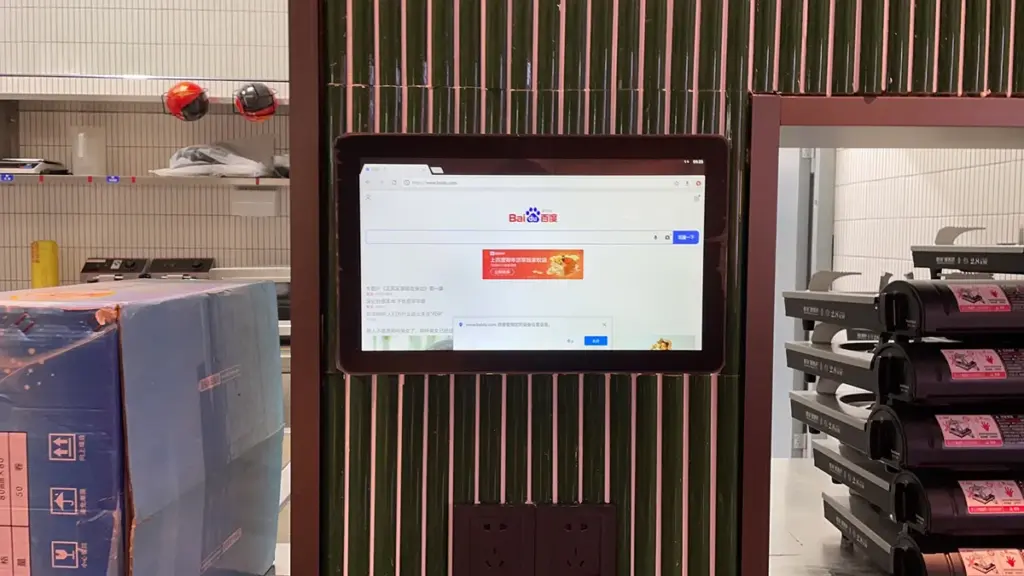
A touch screen monitor consolidates visual display and coordinate-tracking input into a single hardware unit, replacing traditional peripherals to streamline user interaction.
Definition and Core Functions
A touch screen monitor is a display device that allows users to interact with digital content directly by touching the screen surface. It combines a traditional display panel, such as an LCD screen, with a touch-sensitive layer that detects user input.
This integration allows operators to perform direct actions such as tapping buttons, dragging scrollbars, and executing complex multi-touch gestures. The immediate feedback loop between physical contact and visual update makes the interface highly efficient for front-line operations.
Key Structural Components
A commercial-grade touch monitor relies on a multi-layered hardware stack. Each layer performs a dedicated role to ensure visual clarity and accurate input tracking:
- Display Panel: The underlying LCD or OLED screen that generates the visual interface, pixels, and backlighting.
- Touch Sensor Layer: A transparent digitizer placed directly above the display panel to detect contact coordinates.
- Protective Cover Glass: The outermost tempered layer that shields the sensitive inner sensors from scratches, impacts, and daily wear.
- Touch Controller: The internal processor that translates raw analog changes in electrical or optical signals into digital coordinates.
Common Touch Technologies
Selecting the right touch monitor depends heavily on the underlying sensing mechanism. Different technologies excel in specific commercial and industrial settings:
- Capacitive Technology: Tracks changes in electrical capacitance from human touch, offering high accuracy, rapid responsiveness, and multi-touch capabilities.
- Resistive Technology: Registers pressure when physical force brings two conductive layers into contact, making it compatible with bare fingers, heavy gloves, or non-conductive styluses.
- Infrared Technology: Projects a grid of invisible light beams across the frame edge to track interruptions, preserving original display clarity without physical overlays.
Primary Applications and Use Cases
The direct-control mechanism of touch screens makes them valuable across a wide range of specialized environments:
- Retail and Hospitality: Powers point-of-sale (POS-терминал) cash registers, self-service ordering terminals, and transactional kiosks to accelerate checkouts.
- Industrial and Medical Fields: Serves as the operator panel for heavy machinery and diagnostic medical equipment, where easy sanitization and reliable input are mandatory.
- Interactive Workspaces: Equips educational classrooms, smart whiteboards, and collaborative corporate meeting rooms for intuitive presentations.
Matching the correct sensor stack and durability rating to the target environment ensures long-term operational reliability while reducing input errors across all frontline tasks.
How Does a Touch Screen Monitor Work?
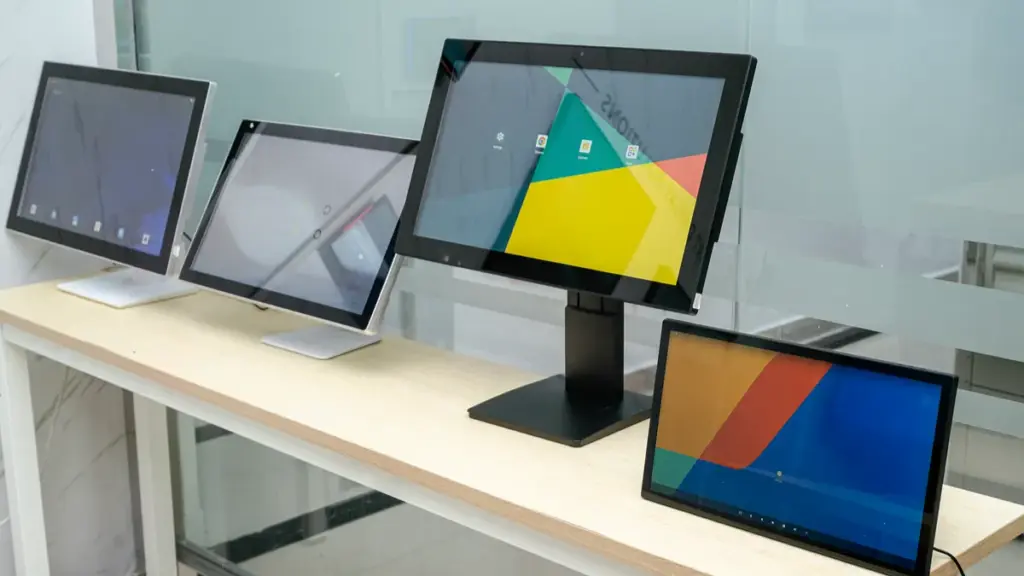
Touch screen monitors unify display panels and input sensors, translating physical surface disturbances into digital coordinates for instant operating system execution.
A touch screen monitor works through a combination of 3 main processes: touch detection, signal processing, and software response.
When a user touches the screen, the touch sensor identifies the location of the touch. The touch controller then processes this information and sends the coordinates to the operating system. Finally, the software recognizes the input and performs the requested action.
The complete process can be explained in four steps:
1. Touch Detection
The touch sensor layer detects physical contact on the screen surface.
Different touch technologies use different detection methods:
- Capacitive touch screens detect changes in electrical signals caused by a human finger.
- Resistive touch screens detect pressure between two conductive layers.
- Infrared touch screens detect interruption of infrared light beams.
2. Signal Conversion
The touch controller receives signals from the sensor and converts them into digital data.
For example, when a user presses a button on a restaurant ordering kiosk, the touch controller identifies the exact position of the touch point.
3. System Processing
The touch data is sent to the device operating system, such as:
- Андроид
- Окна
- Линукс
The system matches the touch location with the software interface and determines what action should be performed.
4. Application Response
The software completes the requested operation, such as:
- Opening a menu
- Confirming a payment
- Displaying product information
- Controlling industrial equipment
In commercial applications, reliable touch response is critical. A delay or inaccurate touch experience can affect customer satisfaction and operational efficiency.
Industrial-Grade Smart Displays Built for 24/7
Main Types of Touch Screen Technology
Different touch screen technologies balance cost, optical clarity, and durability. Choosing the right one depends entirely on your operating environment and user input requirements.
Different touch technologies have different advantages. Businesses should choose the right solution based on their application requirements, environment, and expected usage.
| Touch Technology | How It Works | Advantages | Common Applications |
|---|---|---|---|
| Projected Capacitive (PCAP) | Detects changes in electrical fields caused by touch input. | Fast response, multi-touch support, excellent user experience. | Retail kiosks, meeting room panels, POS terminals. |
| Infrared (IR) Трогать | Uses infrared light grids to detect touch interruption. | Supports large screens and works with gloves or stylus. | Digital signage, public displays. |
| Resistive Touch | Detects pressure between two conductive layers. | Cost-effective and works with gloves and pens. | Industrial equipment, medical devices. |
| Surface Acoustic Wave (SAW) | Uses ultrasonic waves traveling across the glass surface. | High image clarity and excellent light transmission. | Information kiosks. |
Resistive Touch Technology
Resistive systems rely on physical contact to register inputs. When you apply pressure to the screen, two conductive layers separated by a small gap touch each other, changing the electrical resistance at that point.
- Input Flexibility: Supports inputs from fingers, gloved hands, pens, or any generic stylus while offering high positional accuracy.
- Environmental Protection: Provides excellent resistance to environmental contaminants like dust, moisture, and grease, though the outer film is prone to scratching.
- Target Applications: Suits harsh industrial control panels, point-of-sale terminals, and medical devices where basic single-touch input is sufficient.
Capacitive Touch Technology
Capacitive systems rely on changes in electrical charge rather than physical pressure. This group includes surface capacitive systems and high-performance projected capacitive (PCAP) setups.
- Multi-Touch Support: PCAP uses an electrode grid to enable true multi-touch gestures like pinch-to-zoom alongside high speed and responsiveness.
- Optics and Build: Provides superior optical clarity and highly scratch-resistant glass surfaces that extend monitor lifespan.
- Market Status: Serves as the modern industry standard for smartphones, tablets, and interactive professional monitors.
Infrared (IR) Touch Technology
Infrared systems construct a touch perimeter around the display. An edge-mounted grid of invisible infrared light beams detects touches immediately when an object breaks the light path.
- High Optical Clarity: Achieves top-tier optical clarity and light transmission since it does not require a conductive overlay on the display glass.
- Input and Scale: Accepts any input object, provides unlimited touch-life, and scales cost-effectively for large-format screens.
- Common Uses: Deploys commonly in digital signage, interactive whiteboards, and large collaborative public displays.
Surface Acoustic Wave (SAW) Touch Technology
SAW technology measures changes in ultrasonic waves running across a pure glass surface to calculate touch coordinates with high precision.
- Optical Quality: Ensures high image quality and light transmission because the viewing area remains free of extra coatings.
- Contaminant Vulnerability: Prone to interference from surface contaminants like thick dust, liquids, or grease that block acoustic waves.
- Best Environments: Fits clean indoor environments such as bank ATMs, information directories, and indoor ticketing kiosks.
Optical Imaging Touch Technology
Optical imaging utilizes shadow-tracking algorithms. The setup employs corner-mounted camera sensors and infrared backlights to calculate touch positions based on optical occlusion.
- Diverse Inputs: Easily detects varied input types including gloved hands, styluses, and physical objects of different shapes and sizes.
- Large-Format Scaling: Scales cost-effectively to exceptionally large display sizes, interactive tables, and custom video walls.
- Ambient Light Limits: Subject to performance variations in environments with strong direct ambient light or physical camera obstructions.
Key Components of the Commercial Touch Screen Monitor
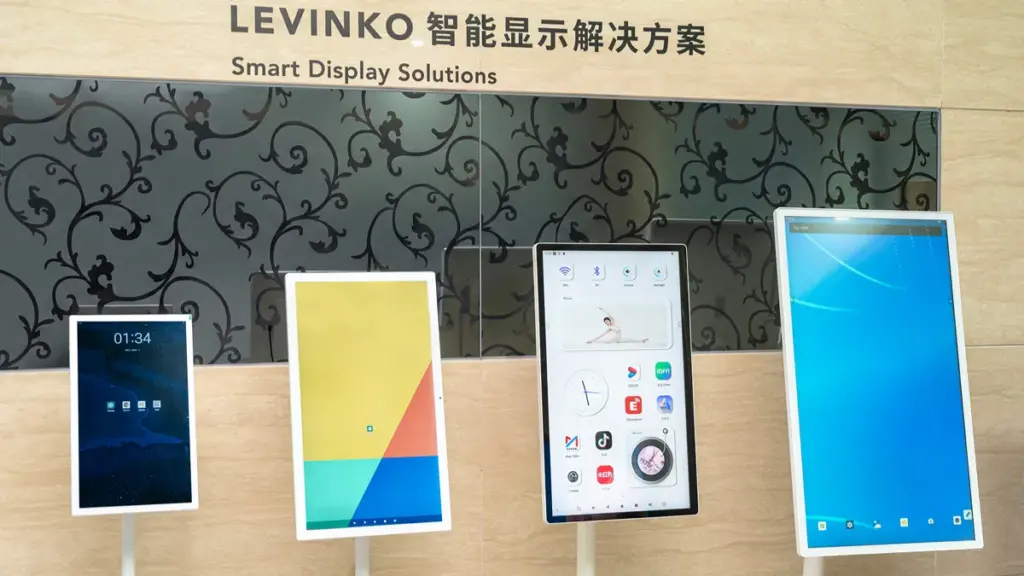
Understanding the hardware architecture of a commercial touch screen monitor helps B2B buyers select durable displays that withstand continuous public or industrial usage.
When a self-service kiosk or interactive display fails in the field, the culprit is usually a mismatched internal component. A commercial touch screen monitor contains multiple hardware components that work together to ensure stable operation.
The Display Subsystem and Optical Bonding
The visual engine of the monitor must deliver high legibility under harsh ambient lighting while maintaining long-term panel stability.
- Imaging Panels: LCD, LED-backlit LCD, or high-end OLED displays engineered specifically for stable, continuous commercial operation.
- Internal Cell Structures: Liquid crystals, color filters, and driver ICs that manage pixel voltages to generate clear images.
- Optical Bonding: Specialized adhesives that attach the display directly to the cover glass, eliminating internal air gaps to reduce reflection and boost impact resistance.
The Touch Sensor Stack
The touch sensor layer acts as the primary input mechanism, converting physical contact into measurable electronic signals.
- Projected Capacitive (PCAP) Sensors: These feature an indium tin oxide (ITO) coated glass substrate and a grid matrix to track coordinates via local electrostatic changes.
- Resistive Touch Sensors: Built with dual conductive layers separated by micro-spacers, these register inputs under physical mechanical pressure.
- Alternative Architectures: Infrared (IR) bezel grids and Surface Acoustic Wave (SAW) piezoelectric transducers support specialized touch tracking requirements.
Touch Controller Electronics
Raw physical changes on the screen require dedicated processing electronics to translate them into computer commands.
- Touch Controller PCBs: Small PCBs equipped with ASICs and microcontrollers to scan sensor channels and digitize analog signals.
- Firmware Routines: On-chip software executing vital tasks such as noise filtering, touch calibration, and coordinate calculations.
- Interface Transceivers: Communication links sending USB, I2C, or serial commands to let the host operating system execute touch inputs.
Main Logic Board and Internal Power Systems
The core computing and power distribution boards keep the display responsive and stable over hundreds of thousands of hours of operation.
- Main Logic Boards: Control centers containing video scalers, timing controllers (TCON), and on-screen display (OSD) microcontrollers to handle incoming video signals.
- Backlight Drivers: Constant-current circuit boards that manage the high-efficiency LED arrays and regulate power-saving dimming functions.
- Power Converter Modules: Internal AC-DC and DC-DC converters equipped with integrated EMC/EMI filters to prevent signal interference during continuous usage cycles.
Mechanical Housing, Shielding, and Interface Ports
Physical armor protects the delicate internal silicon from physical impacts, environmental contamination, and regular wear.
- Protective Cover Glass: Tempered or chemically strengthened glass featuring anti-glare, anti-reflective, or anti-smudge surface treatments.
- Rugged Enclosures: Metal or heavy-duty plastic housings sealed with dust-resistant gaskets and pre-drilled VESA mounting points for easy deployment.
- Interface Panels: I/O ports housing video connections like HDMI, DisplayPort, and VGA alongside dedicated USB upstream ports for touch data output.
Selecting the right mix of these hardware elements ensures your commercial displays operate reliably under demanding professional environments.
Where Are Touch Screen Monitors Used in Business?
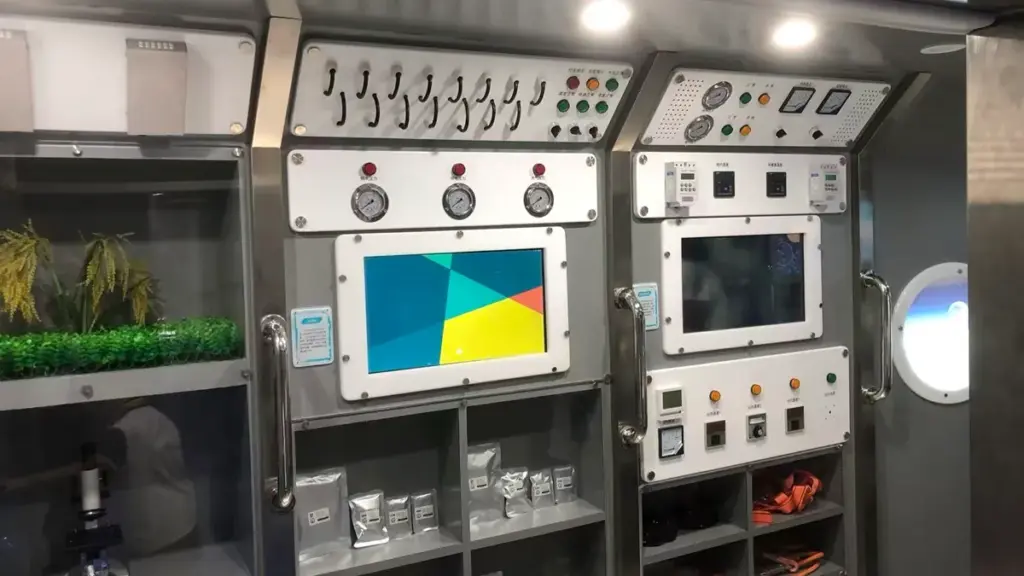
Touch screen monitors drive operational efficiency by replacing slow physical inputs with direct, intuitive digital interfaces across retail, healthcare, corporate, and industrial spaces.
How do businesses eliminate friction from daily transactions and complex workflows? Many deploy touch screen monitors to bypass traditional keyboards and mice, speeding up user interactions in various commercial environments.
Retail and Hospitality Venues
Retailers and hospitality operators use touch displays to handle high-traffic transactions and optimize floor labor.
- Self-checkout and catalogs: Integrated terminals and digital product catalogs speed up customer transactions and reduce staff workloads.
- Interactive ordering kiosks: Restaurant setups minimize queue times, increase order accuracy, and simplify payment workflows.
Healthcare and Medical Facilities
Hospitals and clinics deploy interactive screens to streamline patient intake and assist clinical decision-making.
- Patient self-registration: Interactive kiosks streamline front-desk administration and reduce manual paperwork.
- Medical equipment integration: Specialized touch displays give practitioners quick access to patient records, diagnostics, and imaging systems.
Corporate Offices and Collaborative Workspaces
Modern offices integrate touch screens to improve meeting dynamics and reception management.
- Collaborative meetings: Interactive digital whiteboards and large-format displays facilitate dynamic team presentations.
- Visitor registration: Reception screens automate guest check-in, NDA signing, and badge printing.
Промышленный, Warehouse, and Logistics Environments
Industrial settings require rugged touch monitors to withstand dust, moisture, and continuous heavy use.
- Machine control and diagnostics: Sealed, rugged screens manage heavy machinery control and display real-time production diagnostics on factory floors.
- Inventory and shipping: Durable touch interfaces assist logistics staff with inventory tracking, order picking, and shipping workflows.
Transportation Hubs and Public-Facing Kiosks
High-traffic public venues use touch interfaces to offer reliable round-the-clock service.
- Ticketing and wayfinding: Self-service kiosks handle flight check-ins, transit ticketing, and interactive wayfinding maps.
- 24/7 self-service: Banking centers deploy touch-enabled ATMs and informational displays to keep services accessible at any hour.
Benefits of Using Touch Screen Monitors in Commercial Environments
Direct touch interfaces replace separate peripherals, accelerating workflows, slashing new hire training times, and optimizing cramped workspaces for sustained commercial throughput.
Deploying touch screen monitors in commercial environments directly tackles operational friction by removing slow, error-prone analog inputs. When hardware is built for heavy daily use, businesses see immediate returns in process speed, space management, and front-line reliability.
Streamlined Operations and Shorter Employee Training
High employee turnover and complex sales systems often slow down checkout lanes and service counters. Shifting to direct-touch hardware simplifies the point of interaction, allowing staff to process orders with natural movements rather than navigating keyboards.
- Accelerated Transaction Speeds: Direct touch interactions eliminate cursor movements, driving faster checkout and order entry times.
- Fewer Input Mistakes: Large, clearly defined touch targets reduce data entry mistakes and eliminate keyboard-specific input errors.
- Minimized Onboarding Friction: Intuitive icon-driven interfaces lower cognitive load, reducing training times for new hires from days to minutes.
Improved Customer Engagement and Self-Service Capabilities
Modern buyers expect quick, autonomous purchasing options. Integrating self-service systems allows businesses to capture active customer interest while maximizing staff efficiency on the floor.
- Independent Customer Control: Interactive kiosks allow customers to independently search catalogs, verify pricing, and finalize orders.
- Peak-Hour Relief: Self-service systems handle routine transactions during peak periods, allowing staff to focus on high-value interactions.
- Active Participation: Dynamic touch layouts convert passive viewers into active participants, improving brand engagement in public spaces.
Space Consolidation and Ergonomic Workplace Design
Cramped retail counters, medical carts, and industrial control rooms suffer when cluttered with external peripherals. Consolidating hardware functions makes the workspace safer and far more efficient.
- Workstation Decluttering: Integrating input and output functions removes bulky physical keyboards and mice to clear workstation clutter.
- Compact footprint: Compact display designs fit tightly integrated environments like medical carts, retail counters, and control panels.
- Enhanced Ergonomics: Flexible mounting options paired with large touch targets help operators maintain comfortable postures during long shifts.
Superior Durability, Hygiene, and Long-Term Cost Savings
Standard consumer electronics quickly fail when exposed to dust, moisture, and frequent sanitization. Selecting commercial-grade glass structures ensures continuous operation and lower lifetime maintenance costs.
- Simplified Sanitation: Seamless flat-glass surfaces have no physical crevices, simplifying sanitization and chemical disinfection protocols.
- Continuous Operational Resilience: Commercial-grade construction protects inner components from impact, dust, moisture, and continuous daily operations.
- Reduced Hardware Failures: Removing external peripherals lowers maintenance costs, limits hardware fail points, and supports 7-10 year device lifespans.
How to Choose the Right Touch Screen Monitor for Your Application
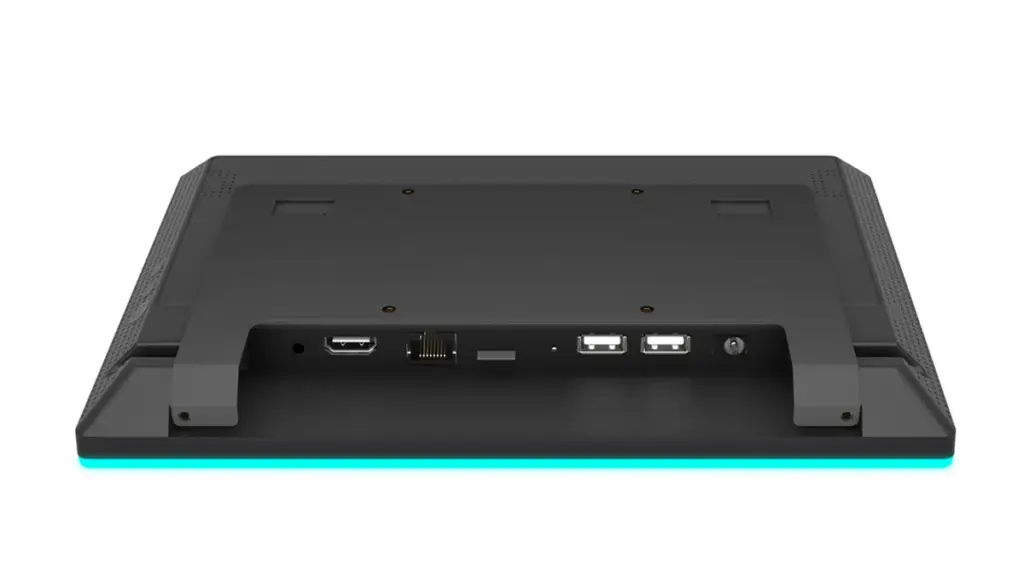
Selecting a touch screen monitor requires aligning touch mechanics, display panel specs, and physical durability with your operational environment to avoid costly deployment failures.
| Selection Factor | Questions to Consider |
|---|---|
| Screen Size | How much display space does the application need? |
| Touch Technology | Will users interact using fingers, gloves, or stylus tools? |
| Operating System | Does the software require Android, Окна, or Linux compatibility? |
| Installation Method | Will the monitor be desktop, настенный, embedded, or integrated into a kiosk? |
| Working Environment | Will it be used indoors, outdoors, in industrial settings, or public spaces? |
| Connectivity | Are interfaces such as RS232, RS485, GPIO, USB, or HDMI required? |
Businesses should also consider:
Application Requirements
A restaurant kiosk may prioritize fast touch response, while an industrial control panel may require stronger protection and additional interfaces.
Durability
For public or industrial environments, features such as tempered glass, IP protection, and 24/7 operation capability are important.
Customization Capability
OEM and ODM projects may require:
- Custom housing design
- Logo printing
- Software pre-installation
- Interface customization
- Hardware adjustments
Working with an experienced touch screen monitor manufacturer helps businesses create solutions that match their specific needs.
Why Businesses Choose Levinko for Commercial Touch Screen Monitors
Levinko delivers dedicated Android integration, 24/7 commercial durability, and centralized management to reduce total cost of ownership across multi-location retail and hospitality deployments.
Are your customer-facing displays constantly freezing or failing during peak hours? Selecting the right commercial touch screen monitors determines whether your self-service kiosks and point-of-sale systems run smoothly or frustrate your customers.
At Levinko, we design and manufacture commercial touch screen monitors for software companies, системные интеграторы, brand owners, and enterprise customers worldwide. Since every project has different hardware and software requirements, our team works closely with customers from the early design stage through mass production to ensure each solution fits the intended application.
key advantages include:
- Complete OEM & ODM services, from industrial design and hardware development to mass production
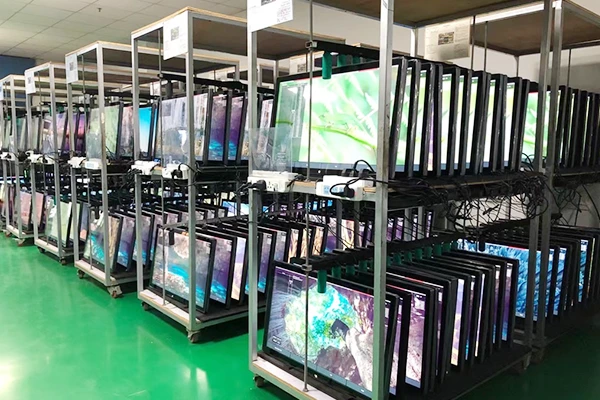
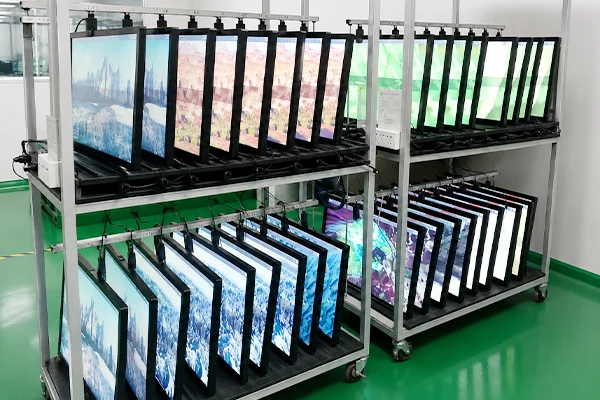
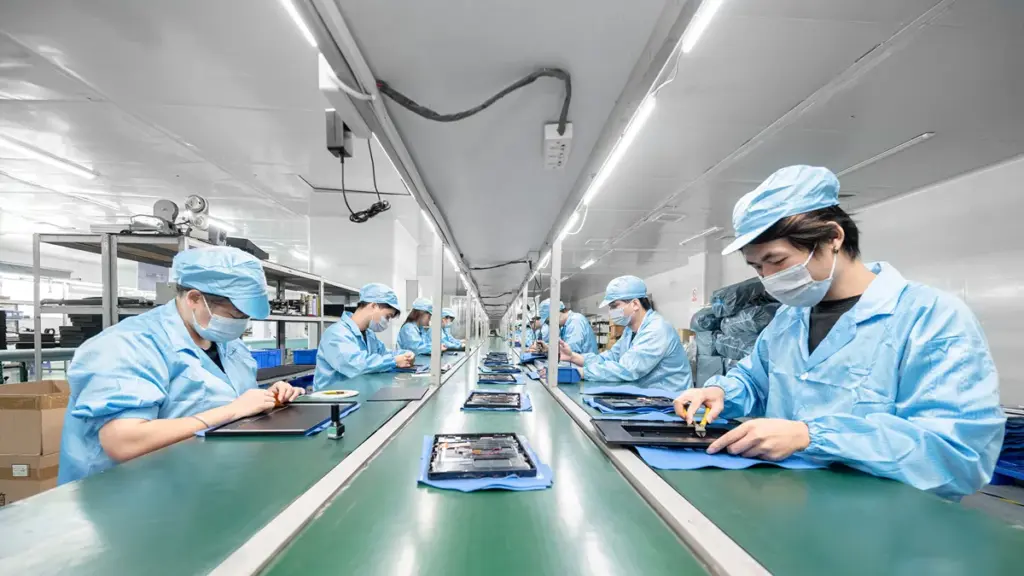
- 3,000㎡ manufacturing facility with standardized SOP production and strict quality control
- Monthly production capacity of 30,000 units for scalable commercial projects
- Андроид, Окна, and Linux platforms available to match different software ecosystems
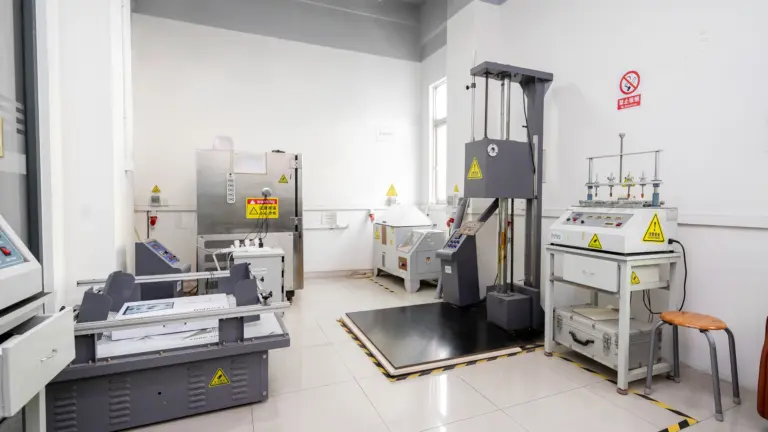
- 24/7 commercial-grade reliability, using high-quality IPS LCD panels and industrial components
- Flexible customization, including screen size, housing, брендинг, интерфейсы, firmware, and software pre-installation
- Rich industrial interfaces, including RS232, RS485, GPIO, CAN, Реле, and other expansion options
- International certifications, including ISO9001 manufacturing management and products compliant with CE, ФКС, and RoHS requirements
Conclusion
A touch screen monitor is an interactive display solution that combines visual communication with direct user control. By integrating display technology, touch sensors, computing systems, and software compatibility, it has become an essential tool for modern businesses.
From retail and hospitality to offices and industrial environments, touch screen monitors help companies improve efficiency, enhance customer experience, and create smarter workflows.
When selecting a commercial touch screen monitor, businesses should look beyond basic specifications and consider reliability, customization capability, software compatibility, and long-term support.
Ready to Build Your Commercial Touch Screen Solution?
Whether you are launching a new product, replacing an existing hardware supplier, or looking for an experienced OEM/ODM manufacturing partner, Levinko is ready to support your project.
Contact our engineering team today to discuss your application, customization requirements, and production plan. We’ll help you choose the right commercial touch screen monitor solution that balances performance, reliability, and cost for your business.
Часто задаваемые вопросы
What is a touch screen monitor?
A touch screen monitor is a display that combines a visual screen with a touch-sensitive input surface. This dual-function design lets you control a computer or electronic device by touching the screen directly, bypassing the need for a separate mouse or keyboard.
How does a touch screen monitor work?
A touch screen monitor works by sensing physical contact or proximity on its surface through an integrated touch panel. When you touch the glass, sensors detect a localized change in electrical current, charge, light, or acoustic waves. The internal touch controller converts this signal into precise digital coordinates and passes them to the operating system to trigger the corresponding command.
What is the difference between a touch screen and a touch monitor?
A touch screen refers specifically to the transparent, touch-sensitive sensor component or layer that detects physical contact. A touch monitor is the complete, finished display unit that integrates this touch sensor layer with a display panel (like an LCD or OLED), protective housing, internal controller boards, video inputs, and a dedicated data connection to send touch events to a host computer.
Can any monitor be made touch screen?
You can give most flat-panel LCD monitors touch capabilities using external add-on accessories. The two primary methods include placing a physical USB touch overlay directly over the front of the display, or installing an infrared sensor bar along the bezel that projects an invisible light field to track finger movements.
What are the different types of touch screens?
The most common types are projected capacitive (PCAP), resistive, infrared (IR), and surface acoustic wave (SAW). PCAP technology offers high sensitivity and supports multi-touch gestures. Resistive screens rely on physical pressure, meaning they work well with gloves or standard styluses in demanding settings.
What is a touch screen monitor used for?
Businesses deploy touch screen monitors in interactive environments where separate keyboards and mice are impractical. Common applications include retail point-of-sale (POS-терминал) systems, self-service information kiosks, industrial control panels, medical equipment interfaces, and interactive whiteboards in classrooms or collaborative meeting rooms.