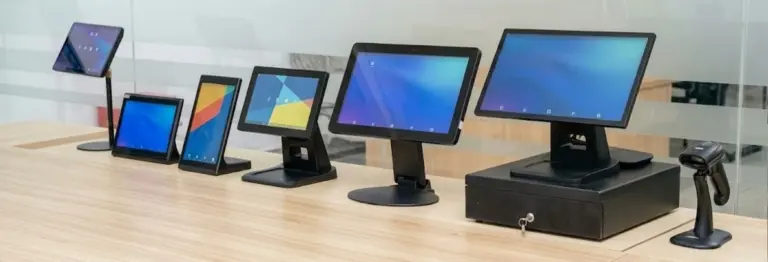
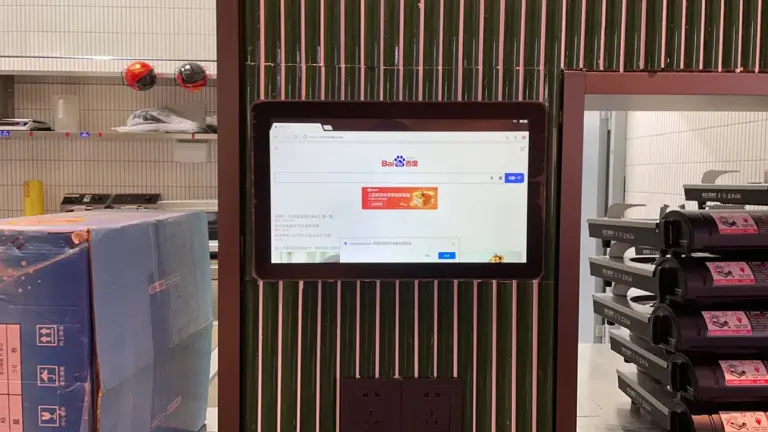
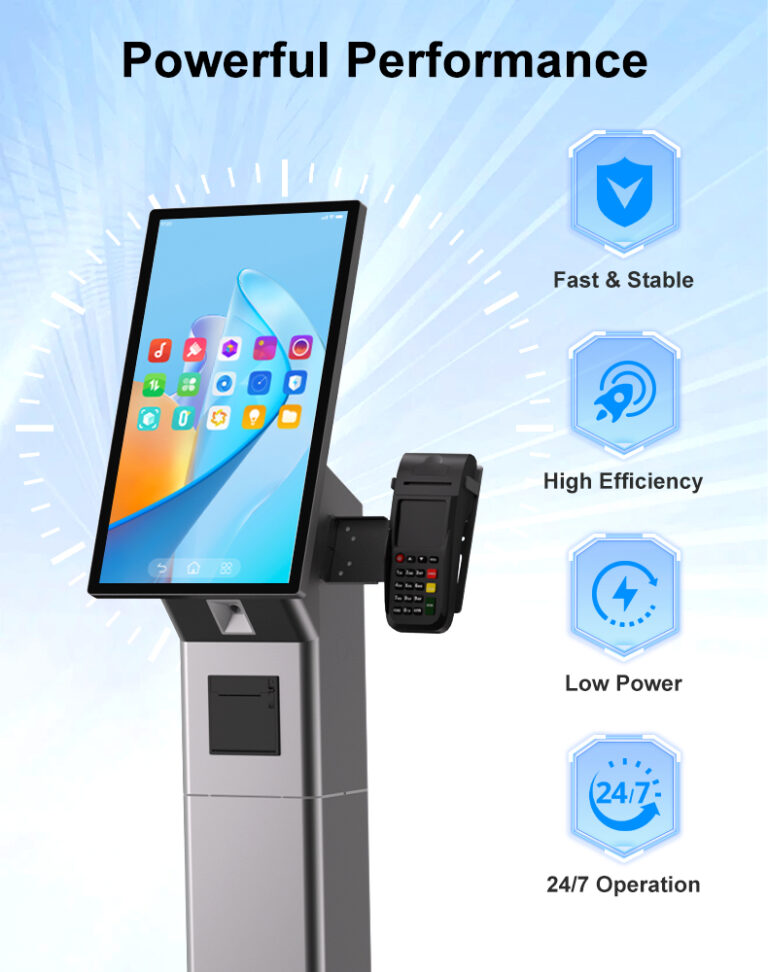
Ten years ago, a commercial display project meant three boxes: a monitor, a media player, and a nest of cables joining them. Today the fastest-growing category is the Android touch screen monitor — an all-in-one device where the display, the computing board, and the operating system ship as a single unit. For SaaS companies deploying kiosk or signage software and system integrators building vertical solutions, this changes the sourcing conversation: you are no longer buying a screen and bolting a computer onto it, you are buying the runtime for your application.
This guide explains when an Android all-in-one display is the right architecture for a commercial project, how it compares against player-box and Windows alternatives, and which platform decisions — silicon, OS lockdown, APIs, fleet management — determine whether a fleet of them stays healthy after year one. It is written for software teams and integrators evaluating display hardware against a real deployment, not a demo bench.
Key Takeaways
- Android all-in-one displays win when the device runs one dedicated application — kiosks, الطلب, check-in, room panels, signage — where a locked, boot-to-app runtime beats a general-purpose PC.
- Against a monitor-plus-player-box build, the all-in-one removes a device, a cable set, a point of failure, and an install step per unit.
- Silicon matters more than the Android version number: mainstream commercial SoCs (Rockchip RK3566/RK3568 class) balance performance, longevity, and vendor support.
- Specify kiosk mode locked at the factory, watchdog recovery, and a real update path (OTA or offline) before signing the hardware order.
- Choose a platform with a model-agnostic API so one codebase controls LEDs, NFC readers, serial ports, and screens across every size in your fleet.
What an Android Touch Screen Monitor Actually Is
An Android touch screen monitor integrates four layers that traditional projects assemble separately: the LCD panel with capacitive touch, a computing mainboard, the Android operating system, and the enclosure with its commercial interfaces (PoE, NFC readers, LED indicators, serial ports). Out of the box it behaves like a purpose-built appliance — power on, and within seconds it can boot directly into a single application. There is no separate player to mount, no HDMI link to fail, and no OS licensing to manage per unit.
The distinction from a consumer tablet is equally important. A commercial Android display is built for continuous operation: industrial-grade panels, tempered glass fronts, enclosed metal or engineered-plastic housings, watchdog hardware on the board, and interfaces a consumer device never carries — RS232/RS485 serial, جيبيو, relay outputs, قوة بو. It runs the same app for years on a wall or in a kiosk stand, which is a different engineering problem from a device that lives in someone’s bag. If you are evaluating the category from scratch, our primer on how touch screen monitors work covers the display fundamentals this guide builds on.
Three Build Options Compared
Most commercial touch deployments choose between three architectures: an Android all-in-one display, a touch monitor paired with an external player box, or a Windows panel PC. The right choice depends on what the device must run and who maintains it:
| Factor | Android All-in-One | شاشة + Player Box | Windows Panel PC |
|---|---|---|---|
| Best for | Single-app deployments: kiosks, signage, check-in, room panels | Screens that already exist; phased upgrades | Legacy Windows apps, driver-dependent peripherals |
| Boot behavior | Straight into your app (factory kiosk mode) | Player boots, then launches app; two startup paths | Full OS startup; slower to interactive |
| Cabling per unit | One (PoE models: power + data) | Power ×2, اتش دي ام اي, network, plus mounting | One main cable; conventional AC power |
| Failure points | One integrated unit; watchdog recovery | HDMI link, second PSU, loose connectors | Fans, drives, OS updates |
| Unit cost at fleet scale | Lowest total (no second device) | شاشة + box + labor | Highest hardware cost |
| Licensing | None per unit | Depends on player OS | Windows license per unit |
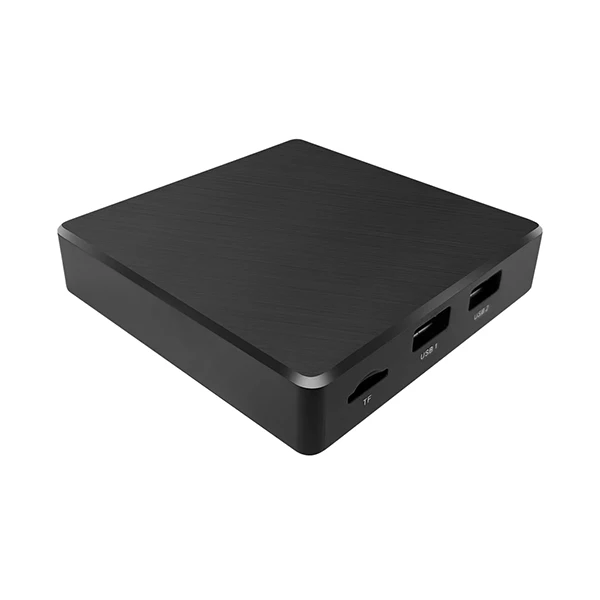
The player-box architecture still has a place — retrofitting an installed screen base, or applications where the compute unit must be serviced independently of the display. A standalone Android signage box such as the APWZ3566 RK3566 media player drives existing screens over HDMI and is a legitimate bridge for phased rollouts. But for new deployments, every cable and connector you remove is a field-service call that never happens.
Where Android All-in-One Displays Win
The pattern behind every strong Android use case is a single dedicated application running unattended. Self-order kiosks run one ordering app. Room scheduling panels run one booking interface. Digital signage runs one CMS client. Check-in desks run one registration flow. In each of these, the general-purpose capabilities of a desktop OS are not an asset — they are attack surface and configuration drift. Android’s app-centric model maps directly onto the job: lock the device to the app, auto-start it on boot, restart it after any failure, and the device becomes an appliance.
Three second-order wins follow. Power and deployment simplicity: PoE-powered Android panels take one network cable per unit, which scales wall fleets without electricians. Thermal and mechanical design: ARM boards run cool enough for fanless enclosures, removing the fan as the classic first mechanical failure. Cost of ownership: no per-unit OS licenses, lower energy draw, and lighter spares inventory when a whole fleet shares one board platform. For a fuller treatment of when touch displays earn their keep in these roles, our overview of touch screen monitor types for business maps the formats to applications.
Know the honest limits too. If the deployment must run legacy Windows software, drive peripherals with Windows-only drivers, or run a web POS that prints through a browser — printing from web-based POS software on Android is a known industry gap — then a Windows panel is the pragmatic answer, not a fight against the platform. The right suppliers offer both architectures on the same enclosure family precisely so projects are not forced into one camp.
Silicon and Platform Choices That Matter
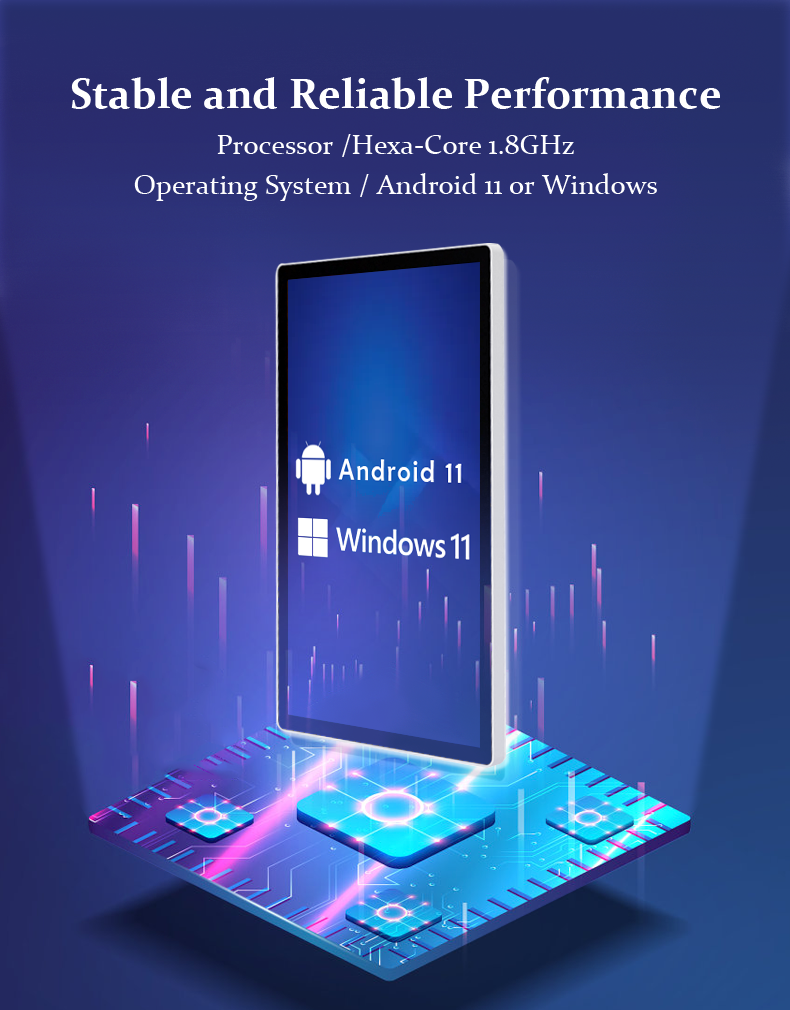
The Android version on a spec sheet matters less than the silicon underneath it and the vendor’s ability to maintain the build. Commercial Android platforms are built around a small set of well-supported SoC families; the Rockchip RK3566 and RK3568 are the current workhorses — quad-core ARM processors with mature Linux-grade support, wide availability, and enough GPU for 4K signage and smooth touch interfaces. Higher tiers (such as RK3576-class boards with AI compute) serve applications that run on-device vision or analytics. What you should verify with a supplier is not “which Android version” but “how long will this board receive firmware support, and what does the update path look like.”
Panel and memory choices ride along with the board. Insist on commercial-grade IPS panels for off-axis readability, and size RAM and storage to your application’s real footprint plus headroom for OS updates — undersized storage is one of the most common causes of field failures in kiosk fleets. When projects need deeper control, board-level platforms such as the LVK3566/LVK3568 RK3566/RK3568 Android mainboards let integrators build the compute layer into their own enclosures with PoE support for signage and kiosk duty — the same silicon family that powers the finished displays, which keeps drivers and behavior consistent between bought and built hardware.
وضع الكشك, Watchdogs and Fleet Management
An unattended Android device lives or dies on three lockdown disciplines. Kiosk mode should be configured at the factory: the unit boots directly into your application, restarts it after crashes or power cuts, and keeps users away from the home screen and settings. Ask the supplier to pre-configure this against your APK before shipment — it is a standard service, not a favor. Watchdog recovery is the hardware-level safety net: a board-level watchdog monitors the system and force-restarts a frozen unit automatically (Levinko panels recover within roughly 50 seconds), which is the difference between a kiosk that survives the night and one that greets the morning shift frozen on yesterday’s screen. Update management needs a real answer before deployment: LAN OTA for incremental updates, USB offline updates, or PC tool flashing for full images — and a plan for which one your field teams will actually use.
Fleet-scale Android also benefits from root-level access policies. Commercial suppliers ship panels with root available by default so your software can manage permissions aggressively — keeping the app alive, controlling boot behavior, and accessing hardware functions without fighting the OS. That openness is deliberate: B2B fleets are maintained by professional teams, not end users, and the lockdown happens at the application layer, not by hiding the system from the people who operate it.
APIs, Peripherals and the Integration Layer
For SaaS companies, the display is a peripheral of the software — so the API layer is where hardware vendors actually differentiate. The functions that matter in commercial deployments are consistent: control the LED status bar, read the NFC/RFID reader, talk to serial peripherals, toggle the screen on and off, read GPIO inputs. The problem in most fleets is that every screen size or model exposes these differently, forcing per-model code branches. The fix is a model-agnostic API: one SDK where the same call controls the same function across every display in the line — the approach Levinko applies across its Android touch panels, so the integration written against a 10.1-inch room panel also drives a 32-inch kiosk.
Validate the integration path early with real hardware. The checkpoint list before a volume order: your APK installs and auto-starts cleanly; kiosk lockdown survives a power cut; the peripherals your application needs (printer, scanner, reader) are reachable through documented interfaces; and the supplier’s engineering team supports compatibility testing rather than leaving it to you. Suppliers that publish SDK documentation and maintain a software and system integration practice are signaling that the hardware and the integration layer are one product. For teams that want to go further, board-level customization runs through custom PCBA and embedded design services.
Sourcing Android Displays for Commercial Projects
Sourcing comes down to three tiers of customization, and knowing which tier your project occupies keeps both budget and timeline honest. Standard hardware with your software: stock Android panels with your APK pre-installed and kiosk mode locked — ships in days, viable from single units, and the correct starting point for almost every pilot. Light customization: your logo silk-screened, custom boot screens, packaging, tailored interface sets — sampling in one to two weeks. Deep customization: board-level changes, new enclosures, or redefined interfaces — a 30-to-35-day sampling cycle that only makes sense at committed volumes. The commercial terms that protect a program long-term: a supplier who states volume pricing at the sample stage with a validity window, factory QC with aging tests on every unit, and an RMA process that ships replacement boards rather than demanding units return overseas.
Run the pilot the way the fleet will live: mounted, powered through the production path (PoE or DC as deployed), running the release build of your application, for at least a few weeks of real traffic. The all-in-one architecture is at its best when that pilot confirms what the spec sheet promised — one cable, one device, one application, self-recovering — at which point scaling the fleet is a purchasing exercise rather than an engineering one. To size the displays correctly for each role in your deployment, pair this guide with our advice on choosing from the product catalog, and review the OEM/ODM service tiers when branding requirements enter the picture.
الأسئلة المتداولة
What is an Android touch screen monitor?
It is an all-in-one commercial display that integrates the LCD touch panel, an ARM computing mainboard (typically Rockchip RK3566/RK3568 class), and the Android operating system in a single enclosure. Unlike a monitor paired with an external media player, it boots directly into your application, needs only one cable per unit (PoE models carry power and data together), and is built for continuous unattended operation with features like factory-locked kiosk mode and hardware watchdog recovery.
When should I choose Android over a Windows panel PC?
Choose Android when the device runs one dedicated application — kiosk ordering, check-in, room scheduling, signage — and you want a locked, boot-to-app appliance with lower cost and power draw per unit. Choose Windows when the deployment must run legacy Windows software, use peripherals with Windows-only drivers, or handle scenarios like browser-based POS printing, which remains unreliable on Android across the industry. Many projects mix both on one platform family.
Can I lock an Android touch screen monitor to a single app?
نعم. Commercial Android platforms support system-level kiosk mode, and suppliers like Levinko configure it at the factory before shipment: the unit boots straight into your application, auto-restarts it after crashes or power cuts, and blocks access to the home screen and settings. Combined with root access for permission management and a hardware watchdog that force-restarts a frozen unit within about 50 seconds, the display stays on task through unattended operation.
How do I update apps and firmware on a fleet of Android displays?
Plan three paths: LAN-based OTA for incremental updates pushed across the local network, USB offline updates where field staff load a package per unit, and PC tool flashing for full firmware images. Ask the supplier which paths the platform supports before ordering, and align the choice with how your field teams actually service sites. For application updates, your APK can also self-update from your own backend if the platform’s permissions allow it.
Do Android touch screen monitors expose APIs for hardware control?
Commercial-grade platforms do, and the quality of that API layer should be a selection criterion. Look for a model-agnostic SDK where identical calls control LED status bars, NFC/RFID readers, serial ports (RS232/RS485), جيبيو, and screen on/off across every display model and size. That means one integration serves the whole fleet — the approach Levinko applies across its Android panel line — instead of maintaining per-model code branches.