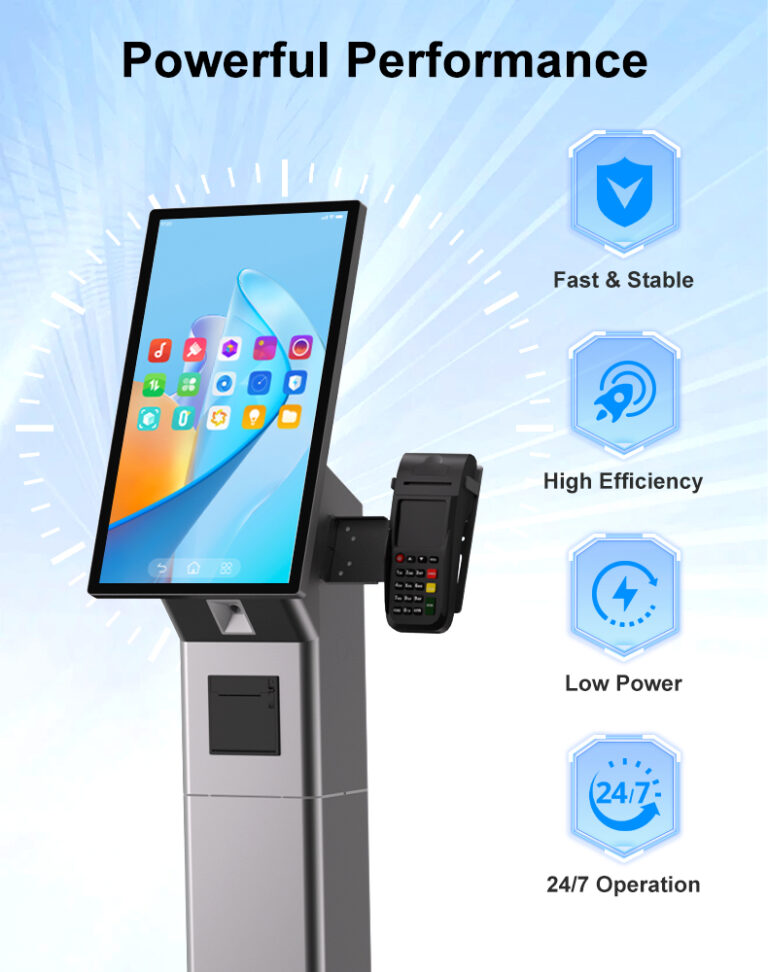
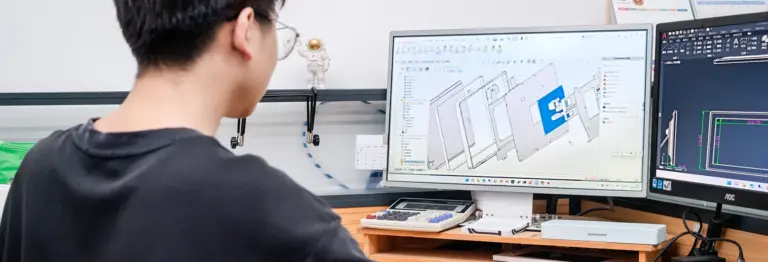
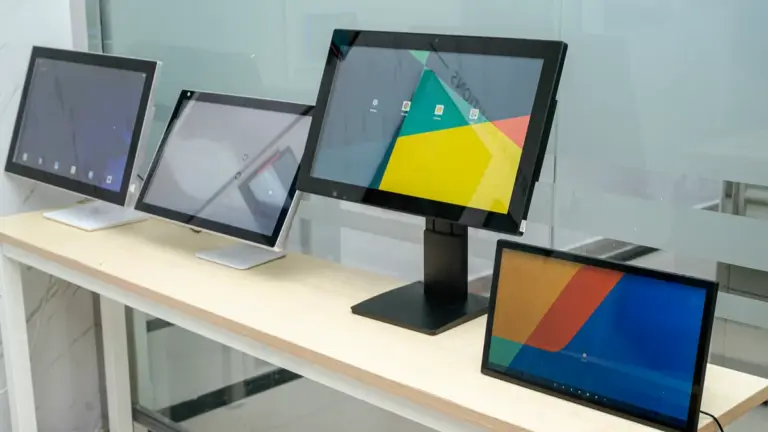
Ask an installation crew what went wrong on a display project, and the answer is rarely the touch technology — it is the form factor. A wall-mounted touch screen monitor that fights the wall construction, or an open-frame display whose cutout was drawn a centimeter wrong, turns a one-day install into a week of rework. Form factor decides how the display meets the building: what mounts where, what gets protected, how service happens, and what the finished result looks like to the client.
This guide compares wall-mounted and open-frame touch screen monitors for commercial projects: what each form factor is, where each one wins, how to plan the installation for both, and a practical checklist for deciding between them. It is written for installation engineers, project contractors, and the integrators who hand them drawings. For a broader map of commercial touch formats, start with our overview of touch screen monitor types.
Key Takeaways
- Wall-mounted monitors ship as finished devices — enclosure, bezel, cabling, and mount — built to install directly onto walls and fixtures in finished spaces.
- Open-frame monitors are bare display assemblies designed to be built into something: kiosk housings, machinery, furniture, walls with custom finishes.
- Choose wall-mount for speed, standard mounting, and front-panel protection; choose open-frame when the display must integrate mechanically into a product or fixture.
- Open-frame projects live or die on the mechanical drawing: cutout, depth, mounting holes, and heat path must be confirmed before metal is cut.
- Both form factors are available on shared computing platforms (Android/Windows/Linux), so the form factor decision does not lock in your software stack.
Two Form Factors, Two Jobs
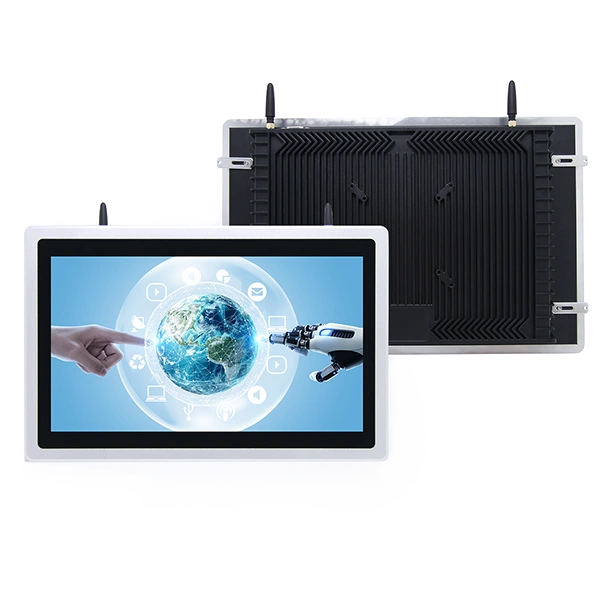
A wall-mounted touch screen monitor is a complete device: LCD panel, touch sensor, computing board, and power electronics sealed inside a finished enclosure with a bezel, designed to be fixed to a wall (or millwork, or a partition) with standard brackets. Everything the site needs — cable entry points, VESA or proprietary mounting patterns, ventilation — is decided by the manufacturer. The installer’s job is to prepare the wall, run the cable, hang the unit, and power it. Commercial wall-mount lines span from 10.1-inch door panels to 65-inch signage displays, with front panels commonly rated IP65 against splashes and wipes.
An open-frame touch screen monitor is the same display engineering minus the dress: a bare assembly of panel, touch glass, and board on a metal chassis with mounting ears or a flange, intended to be built into something else. The bezel, the finish, and the surrounding structure come from your product — a kiosk housing, a machine control station, a reception desk, a custom wall build-out. Open-frame displays are the standard choice for kiosk OEMs and industrial equipment builders precisely because they hand the visible design back to the product team while the display supplier guarantees the optics and electronics.
Side-by-Side Comparison
| Factor | Wall-Mounted Monitor | Open-Frame Monitor |
|---|---|---|
| Ships as | Finished device with enclosure and bezel | Bare display assembly on a chassis |
| Install path | Bracket to wall, cable, power — same day | Cutout + recess + mounting points in host structure |
| Aesthetic control | Manufacturer’s industrial design | Fully yours — bezel, finish, العلامات التجارية |
| Protection | Sealed enclosure; IP65 front panel typical | Host enclosure defines ingress protection |
| Service model | Unbolt and swap the unit; RMA the whole device | Open the host; service or swap the assembly in place |
| Typical buyers | Facility teams, AV integrators, roll-out contractors | Kiosk OEMs, machine builders, furniture and fixture makers |
Neither column is “better” — they solve different delivery problems. The wall-mount column optimizes time-to-installed and predictability across many sites; the open-frame column optimizes product integration and design ownership. Budget follows that split: wall-mount projects spend on mounting hardware and installation labor, while open-frame projects spend on mechanical design and host fabrication.
When a Wall-Mounted Touch Screen Monitor Is the Right Call
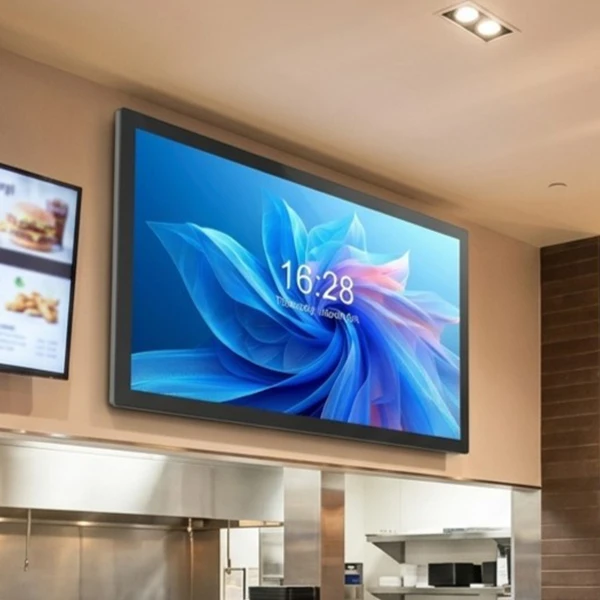
Wall-mount wins in three situations. Finished spaces and fast rollouts: مكاتب, corridors, retail walls, hotel lobbies — anywhere the building already exists and the display must land on it cleanly. A standard wall-mount unit installs in under an hour per position with two tradespeople and a cable route, which is why multi-site rollouts standardize on them. Standard mounting ecosystems: VESA patterns, bracket families, and PoE power make fleets repeatable; the hundredth install behaves like the first. Environments that need the sealing: a finished commercial enclosure with an IP65-rated front panel survives wipe-downs, splashes, and cleaning chemicals in healthcare and food-service settings without any host structure of yours.
The wall-mount catalog is also where the turnkey display logic lives — built-in Android or Windows computing, NFC readers, LED status bars, and watchdog recovery already integrated. Series like the MT01T wall-mounted touch displays (10.1 ل 65 بوصة) or the dedicated wall-mounted tablet and panel line cover the standard commercial roles: scheduling panels, directories, informational signage, and interactive wall stations. When a project is judged on installed appearance and schedule, the finished device is the low-risk answer.
When Open-Frame Monitors Make Sense
Open-frame wins when the display is a component of a product rather than an appliance on a wall. Kiosk OEMs build open-frame displays into their housings so the enclosure, العلامات التجارية, and peripheral layout belong to the product design. Machine builders embed them in control stations where the display must sit flush with a panel and survive industrial conditions — vibration, dust, wide temperatures — inside the machine’s own enclosure economy. Fixture and furniture makers integrate them into desks, columns, and millwork where a consumer-styled bezel would break the design.
The industrial grade matters here. Open-frame platforms built for harsh environments — such as the OE1001/OE1561/OE2151 industrial embedded touch panel PCs and the IE1001-series embedded industrial panels — pair rugged metal housings with embedded computing rated for wide-temperature operation, which is what production lines and outdoor-adjacent equipment actually require. For projects at this end of the spectrum, our industrial manufacturing applications page collects the reference scenarios.
Installation Planning for Each Form Factor
Wall-mounted planning runs through four checks. First, the wall: drywall, concrete, glass, and millwork each demand different anchors and load paths — verify the wall type and the display’s loaded weight before ordering brackets. Second, the mounting pattern: confirm the VESA or proprietary pattern and that the bracket ships with the unit or is specified in the same order. Third, the cable plan: power and data routes must reach the unit’s actual cable entry points, ideally concealed — in-wall conduit, surface raceway, or furniture channels. Fourth, position: mounting height follows the use case (eye height beside doors, accessibility-compliant heights for interactive stations), and should be fixed on drawings before the first drill hole.
Open-frame planning lives in the mechanical drawing. The critical dimensions are the cutout (with tolerance), the overall assembly depth behind the panel including connectors and cable bend radius, the mounting hole pattern on the chassis or flange, and the heat path — the host enclosure inherits responsibility for ventilation that a finished display would manage itself. Confirm the drawing against the supplier’s mechanical CAD before fabrication, build one physical prototype before cutting production runs, and plan the service access: how a technician reaches the assembly, what unplugs, and whether the host must be pulled from the wall to service the display. A one-millimeter drawing error multiplied across a hundred kiosks is the expensive way to learn this.
Protection, Service Access and Lifecycle
Protection strategies diverge between the two. Wall-mounted devices bring their own: sealed enclosures, tempered glass, and front-panel ratings (IP65 is the commercial norm) mean the environment spec is mostly the manufacturer’s problem. Open-frame assemblies inherit theirs from the host — your kiosk housing determines what dust and water reach the electronics, so the ingress protection conversation happens at the product level. If the finished product must meet a specific IP rating, plan the sealing design (gasket, bonding, membrane) with the display supplier’s mechanical data in hand; our guide to IP ratings for commercial displays covers the rating system in detail.
Service models diverge the same way. A failed wall-mount unit unbolts and swaps in minutes, and the RMA path returns the whole device to the supplier. An open-frame assembly is usually serviced inside the host — board swap in the field, display replacement through the front — which is faster and cheaper at scale but requires your service documentation and spares planning to be real. Both models reward platform consistency: when the same computing platform runs your wall units and your embedded units, one software build, one API set, and one spares list cover the whole estate. Rugged touch monitor lines like the MT01 series (10.1 ل 32 بوصة, 24/7 rated) illustrate how the two form factors share engineering underneath.
How to Decide: A Four-Question Checklist
Before the next project meeting, answer these four questions with the client’s site drawings open:
- Who owns the visible design? If the answer is “the architect” or “the product” — open-frame. If “the display vendor’s catalog is fine” — wall-mount.
- What is being mounted to? Existing finished walls and partitions favor wall-mount; purpose-built housings, machines, and fixtures favor open-frame.
- What does the schedule look like? Wall-mount units ship complete and install same-day; open-frame integrations follow the host fabrication timeline and need a mechanical prototype cycle.
- Who services it, and how? Sites with local AV support swap wall units; OEMs with field engineering teams service open-frame assemblies inside their products.
Many real projects answer these questions differently per zone — open-frame inside custom kiosks at the entrance, wall-mounted directories down the corridor, embedded panels on the production line. That mix is normal, and it is easiest to execute when all three come from one platform family with shared computing options and APIs. Browse the Levinko product catalog for wall-mounted, إطار مفتوح, and embedded series that share the same underlying platform, or send us the site drawings and mechanical constraints — the engineering team will map each position to the right form factor before anything is ordered.
الأسئلة المتداولة
What is the difference between a wall-mounted and an open-frame touch screen monitor?
A wall-mounted monitor is a complete finished device — panel, electronics, enclosure, and bezel — designed to bolt directly onto walls and fixtures in finished spaces. An open-frame monitor is a bare display assembly on a metal chassis, built to be integrated into a host product such as a kiosk housing, machine control station, or custom furniture, where the surrounding design and protection come from your enclosure. Wall-mount optimizes installation speed; open-frame optimizes product integration.
Which form factor is better for a self-service kiosk project?
If the kiosk housing is a custom or branded product, open-frame is the standard choice: the display integrates flush into your enclosure and the visible design belongs to your product. If the project uses standard floor-stand or wall-mount kiosk hardware with finished displays, a wall-mounted monitor in a kiosk stand installs faster and carries its own protection. Many kiosk OEMs use both — open-frame in their branded units, finished displays for standard deployments.
Do open-frame touch monitors have IP ratings?
Not on their own, in most cases. Ingress protection for an open-frame assembly is defined by the host enclosure it is built into — the gasket design, bonding, and sealing of your product determine what rating the finished unit achieves. This is why the mechanical integration and sealing design must be planned with the display supplier’s mechanical data before fabrication. Finished wall-mounted displays, by contrast, carry their own ratings, with IP65 front panels being the commercial norm.
What should I check before installing a wall-mounted touch screen monitor?
Four checks: the wall construction (drywall, concrete, glass, or millwork) against the anchor and load requirements of the loaded display; the mounting pattern (VESA or proprietary) and whether the bracket ships with the unit; the cable route reaching the unit’s actual cable entry points, ideally concealed; and the mounting height per use case — eye level beside doors, accessibility-compliant heights for interactive stations. Fixing all four on drawings before drilling keeps a rollout repeatable across sites.
Can wall-mounted and open-frame displays share the same software platform?
نعم, when both come from one platform family. Levinko’s wall-mounted displays and embedded industrial panels share the same computing options (أندرويد, ويندوز, لينكس) and the same model-agnostic API set, so one software build and one integration cover the entire estate — wall units, kiosk-integrated displays, and machine panels alike. That consistency simplifies fleet management, spares planning, and future expansion across form factors.