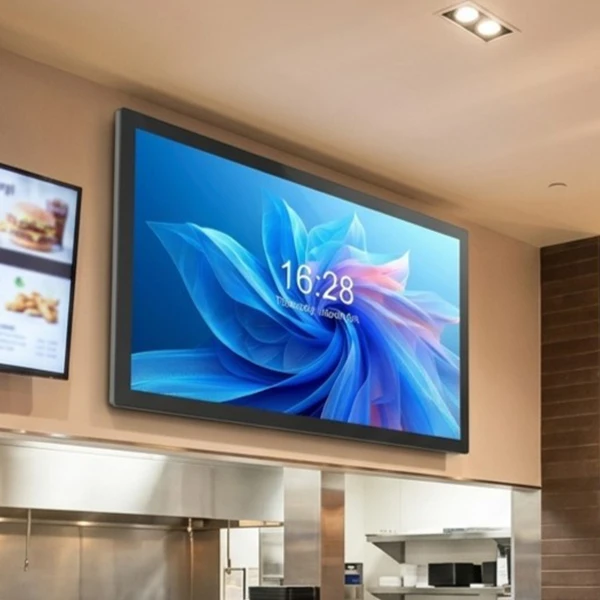
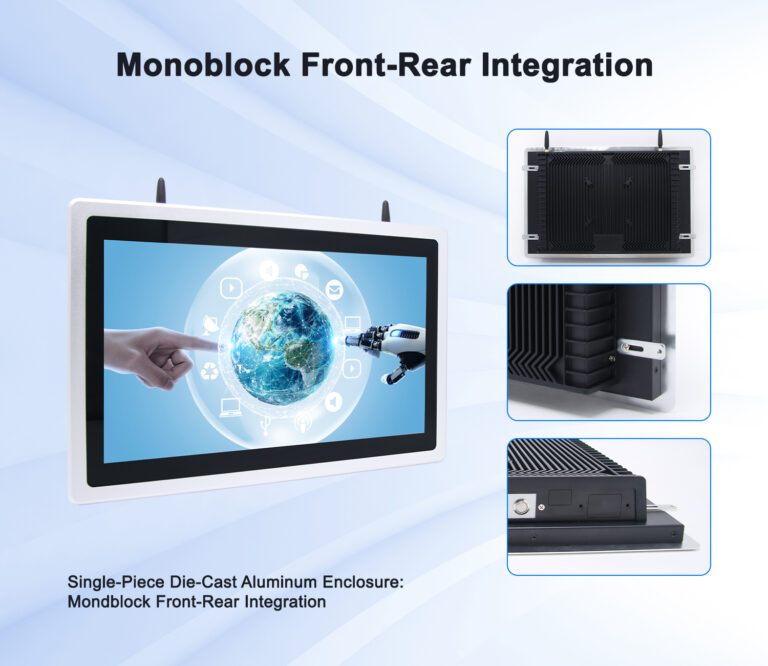
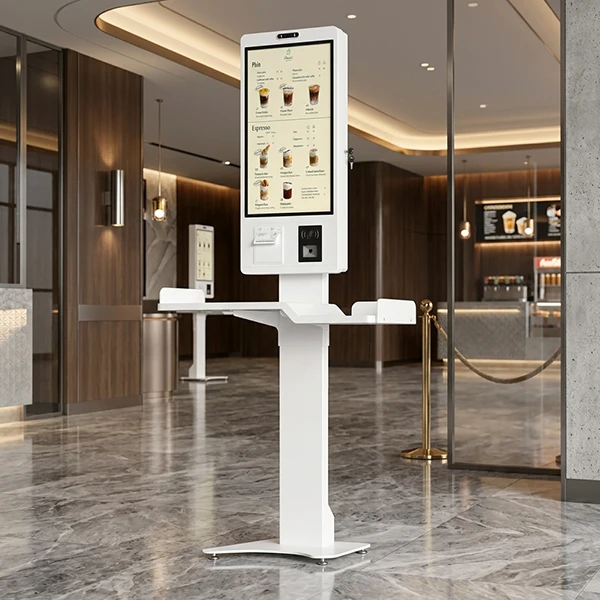
Standard touch monitors cover most general deployments — until they do not. A brand program needs its logo on the boot screen and its color on the enclosure. A medical cart requires a disinfectant-ready surface and a barcode scanner module. An industrial cabinet expects exact mounting holes and RS485 wiring to a PLC. When the requirement list outruns the catalog, the answer is a custom touch screen monitor built through an OEM or ODM program.
This guide explains what can actually be customized on a commercial touch monitor, how the customization levels differ in scope, cost, and lead time, and how B2B buyers should scope an OEM project so the first production run matches the plan. It is written for brand owners, intégrateurs de systèmes, and SaaS companies that need hardware to carry their software into customer sites.
Points clés à retenir
- Customization comes in three practical levels: branding and white-label, mechanical and interface changes, and board-level development — each with different cost and lead-time profiles.
- A platform-based supplier can modify standard tooling instead of starting from zero, cutting sampling time and tooling cost substantially.
- Typical timelines: branded standard units in days, light customization in roughly a week to ten days for sampling, board-level projects around a month to first samples.
- Lock the mass-production price range and its validity at the sample stage to protect the project budget.
- A hardware-agnostic API across the supplier’s screen sizes lets one codebase drive an entire custom fleet.
Why Off-the-Shelf Monitors Fall Short for OEM Projects
A catalog monitor is engineered for the widest possible audience, which means it is engineered for nobody in particular. OEM projects carry requirements that a generic product cannot honor: brand-specific boot animations and housings, application-specific peripherals, environmental ratings beyond the standard front panel, or a mainboard tailored to the exact performance and price target of the product line. Retrofitting these needs onto a standard unit — third-party brackets, external scanners, aftermarket branding stickers — produces fragile deployments and inconsistent hardware across the fleet.
The efficient path is to start from a proven commercial platform and customize the layers that differentiate your product. This is precisely how Levinko structures its OEM and ODM services: every smart terminal is built on a shared touch-display-and-control platform — mainboard, interface definitions, and enclosure design language — so customization modifies existing engineering rather than reinventing it. For buyers, that translates into lower tooling cost and faster sampling than a ground-up design.
What Can Be Customized: The Full Option Map
| Layer | Customization Options | Typical Sampling Time |
|---|---|---|
| Image de marque (white label) | Logo silk-screen, custom packaging, boot screen, pre-installed app | Days (with standard stock) |
| Mechanical & materials | Pantone colors, aluminum/ABS/PC swaps, glass options, mounting changes | 7–10 working days |
| Interfaces & périphériques | RS232/RS485, GPIO, relay, NFC/RFID modules, PoE, scanner bays | Within light-customization cycle |
| Board & system | Mainboard design, SoC selection (Rockchip/Intel), memory, OS build | 30–35 days to first samples |
| Software stack | Kiosk mode lock, autorisations système, API/SDK access, OTA strategy | Parallel with hardware |
Niveau 1 Customization: Branding and White-Label Options
The fastest customization layer puts your brand on proven hardware. Typical scope includes silk-screen printing of your logo on the front glass or enclosure, custom packaging with your part numbers and documentation, a branded boot splash and shutdown screen, and factory pre-installation of your application so units arrive ready to deploy. Because the underlying hardware is unchanged, this level carries minimal engineering cost, short lead times, and no MOQ barrier for standard platforms — a single unit can start the process.
White-label customization suits brand owners launching a hardware line and SaaS companies shipping a branded terminal with their software. The key questions for the supplier: who owns the artwork files, how boot-screen assets are submitted, whether firmware supports custom boot animations, and how updates to the pre-installed application are handled across future orders. A factory that pre-loads and pre-configures your APK — including auto-start and keep-alive settings — removes hours of per-unit setup from your deployment team.
Niveau 2 Customization: Mechanical and Material Changes
The second layer changes what the monitor is physically made of and how it fits its environment. Common requests include:
- Color and finish — enclosure color matched to a Pantone reference, alternate surface textures, or anodized aluminum instead of painted ABS.
- Material substitution — swapping enclosure materials between aluminum alloy, verre trempé, and ABS/PC engineering plastics to hit a price point, weight target, or chemical-resistance requirement.
- Interface additions and removals — adding RS232, RS485, PoE power input, or NFC/RFID modules; removing unused connectors to seal the enclosure more completely.
- Structural adjustments — modified mounting patterns, bezel dimensions for cabinet integration, or open-frame conversions for kiosk builders.
- Display options — high-brightness panels of 1000+ lentes, anti-glare (AG) or anti-fingerprint (DE) verre, and touch sensor tuning for gloves or styluses.
Light customization of this kind typically moves from requirement to sample in 7 à 10 jours ouvrables on a mature platform, because the tooling changes are bounded. Ask the supplier which dimensions of the enclosure are already tooling-flexible and which would require new molds — that line determines whether your project lands in the light or deep tier. Un overview of the standard product line usually reveals the platform’s native range before any customization discussion begins.
Niveau 3 Customization: Board-Level and System Development
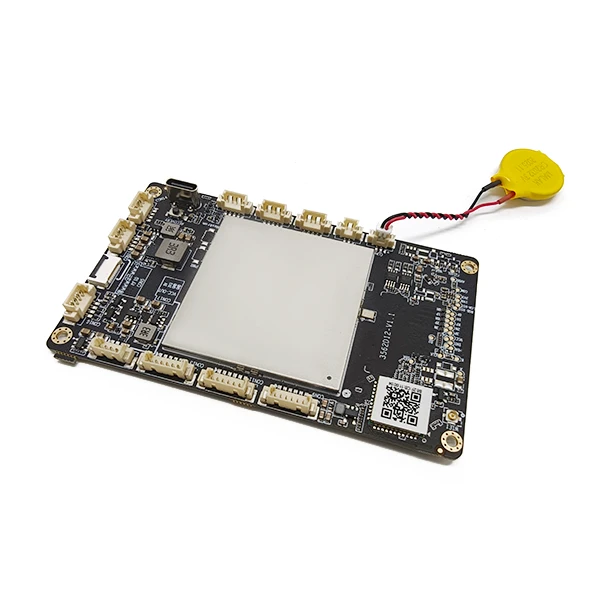
The deepest layer changes the electronics: mainboard selection or redesign, processor platform choice, memory and storage configuration, and the operating system build. Buyers typically arrive here when a product line needs a specific compute tier (for example, Rockchip RK3566/RK3568/RK3576 for Android products, or Intel Core i3/i5/i7 and N-series platforms for Windows units), custom peripheral wiring on the board, or a Linux environment for proprietary software. Board-level projects typically run 30 à 35 days to first samples, with the exact schedule driven by technical complexity and tooling investment.
Board-level work deserves a supplier with genuine electronics engineering in-house, not a trading company that outsources design. Verify the supplier’s depth by asking for PCB layout examples, schematic review support, signal-integrity testing on custom boards, and references from previous deep-custom projects. Levinko’s custom PCBA and embedded design capability covers exactly this tier — from schematic and layout through SMT assembly and firmware, inside the same factory that builds the finished units.
Interface and Peripheral Customization
Embedded and industrial projects live on their interfaces. On a custom program, buyers can specify the industrial interfaces their equipment needs — RS232 and RS485 serial channels, CAN bus, GPIO lines, relay outputs, and analog inputs (ADC) — alongside consumer-facing options like NFC/RFID readers for tap interactions and access control. For network-powered deployments, PoE input simplifies wiring across entire floors of wall-mounted terminals.
Request the pin-definition drawings and interface protocol documentation early, not after the first article ships. A supplier who provides complete pin maps, driver packages, and integration documentation in the sampling phase — and who assists with USB/RS232/RS485 peripheral compatibility testing — removes the most common source of OEM project delay: hardware that arrives with undocumented behavior. This documentation package should be a scored line item when you compare suppliers.
Software Lockdown, API Access, and Fleet Management
Custom hardware is only half the product; the software configuration decides how it behaves in the field. For Android units, confirm that kiosk mode can be locked at the factory — the device boots straight into your application, and end users cannot exit to the home screen. For development teams, root access and an open API/SDK matter: your engineers will want to control the LED status bar, read the NFC reader, trigger the scanner, or manage screen state programmatically. Levinko ships Android units with root access available by default and exposes a model-agnostic API: the same calls control hardware functions across every screen size in the line, so one version of your integration code follows the product family as it grows.
Ask how firmware updates travel: LAN-based OTA updates, USB offline updates, and PC-based full-image flashing each have a place in fleet maintenance, and your operations team should know which mix applies to the units they will manage. For sensitive deployments, discuss secure OTA architectures — for example A/B partition schemes that keep a known-good system image so a failed update cannot brick the device. More on our software side capabilities is available under software and system integration.
Certifications for Custom Builds
Customization touches certification. Any change to the enclosure, power system, or wireless modules can affect CE, FCC, and RoHS conformity, and buyers shipping to North America or the United Kingdom should confirm up front that the supplier can support UL and UKCA submissions for the custom configuration. An experienced manufacturer handles this as a routine engineering task — keeping the design within pre-certified component families where possible and running the required tests when not.
Put certification ownership in writing: who files the paperwork, whose name appears on the certificates, and which party pays for retesting when a design revision lands. OEM buyers who plan to sell under their own brand usually need the certificates in their name or a license arrangement — a detail better settled during scoping than during customs clearance.
How to Scope a Custom Monitor Project
A well-scoped project moves faster and lands on budget. Follow this sequence:
- Write the deployment brief first — environment, user flow, périphériques, operating hours, and target markets. Every customization decision traces back to this document.
- Choose the customization level — start at the shallowest tier that satisfies the brief. Branding on a proven platform beats a bespoke board when the requirement does not demand one.
- Request samples on the standard platform — validate the display, touch behavior, and your software before customization begins, so changes target real issues.
- Freeze specifications and price together — a transparent supplier states the mass-production price range and its validity at the sample stage, protecting the budget from mid-project drift.
- Plan the ramp in stages — sample, small-batch compatibility testing in real conditions, then volume. This is how professional OEM buyers de-risk new hardware, and a supplier with engineering support in each stage earns the volume orders.
- Agree on support terms — warranty length, spare-parts policy for volume orders, RMA response times, and the engineering channels available when your team hits an integration question.
Levinko runs custom programs for payment terminals, meeting-room panels, touch signage, and portable displays out of its ISO 9001-certified Shenzhen factory, with products carrying CE, FCC, and RoHS certification and engineering support for UL and UKCA projects. To scope a custom touch monitor for your brand, send us the deployment brief — our engineering team responds with the recommended customization level, timeline, and a sample plan.
Foire aux questions
What can be customized on a touch screen monitor for an OEM project?
Practically every layer: logo printing, packaging, boot screens, and pre-installed software at the branding level; enclosure colors, materials, glass options, mounting, and interfaces (RS232, RS485, PoE, NFC/RFID) at the mechanical level; and mainboard design, processor platform, memory, and operating system at the board level. A platform-based manufacturer modifies proven engineering rather than starting from zero, which shortens sampling and reduces tooling cost.
How long does a custom touch screen monitor take?
Branded standard hardware ships in days. Light customization — logo, colors, materials, interface additions — typically samples in 7 à 10 working days on a mature platform. Board-level custom development, including new mainboard designs or processor changes, runs around 30 à 35 days to first samples. Exact schedules depend on the technical complexity and tooling investment of the specific project.
What is the MOQ for custom touch monitors?
For standard and white-label hardware, there is no minimum order quantity — a single unit can start the process, which supports sampling and pilot deployments. Deep-customization projects that require new molds or board development are quoted case by case, because tooling investment is driven by the technical complexity of the specific project.
Can a custom monitor keep CE, FCC, and UL certification?
Oui, when the manufacturer plans for it. Changes to enclosures, power systems, or wireless modules can affect conformity, so the supplier should confirm the certification impact of each customization layer during scoping, prefer pre-certified component families, and support UL or UKCA submissions where required. Agree in writing on who files the certificates and whose name appears on them.
Can my software control the custom hardware functions?
A capable OEM partner exposes a documented API or SDK for the hardware layer: Barres d'état LED, NFC/RFID readers, scanners, serial ports, and screen control. Levinko’s API is model-agnostic — the same function calls control hardware across every screen size in the line — so one integration codebase serves the whole custom fleet, and Android units ship with root access and factory-locked kiosk mode available.
Should I choose OEM or ODM for my touch monitor project?
OEM (original equipment manufacturer) programs build to your design and specification — you own the product definition. ODM (original design manufacturer) programs start from the supplier’s proven platform and customize branding, mechanics, interfaces, or boards to your needs, which is faster and cheaper when your differentiation lives in software and market positioning. Most SaaS companies and brand owners choose the ODM path; companies with in-house hardware teams may go OEM for full control.