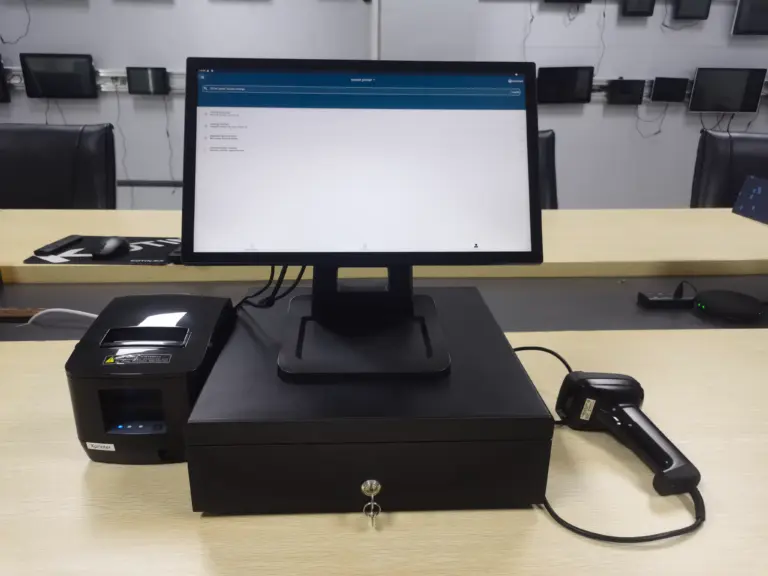
Ask ten suppliers “what is POS hardware?” and you will get ten answers that each describe a different product: a register, a touchscreen, a card reader, an all-in-one terminal, a whole till with drawers and scanners. The confusion is real — the point-of-sale category spans everything from a tablet-and-reader starter kit to a factory-built dual-screen counter terminal with integrated payment — and for B2B buyers it matters where the lines fall, because the procurement conversation with a manufacturer is about the box: its durability, its interfaces, its firmware, and its price at volume, not about subscription plans.
This guide defines the territory for the people who buy it for a business: restaurant and retail owners specifying their first serious setup, franchise groups standardising across locations, and integrators sourcing terminals to build on. We take the hardware apart piece by piece — the compute unit, the displays, the payment and order-entry peripherals, the form factors they combine into — then cover what separates commercial-grade equipment from consumer gadgets, and how the buying routes differ when you order from a catalogue, request light customisation, or commission an OEM/ODM build.
Key Takeaways
- POS hardware is the physical layer of a point-of-sale system: the compute terminal, ディスプレイ, and payment/ordering peripherals — distinct from the software and payment processing that sit on top.
- A modern setup is usually a touchscreen terminal running POS software, with card payment, receipt printing, and barcode or QR input either built in or attached over standard interfaces.
- Form factors do the real segmentation: countertop single- and dual-screen terminals, self-order and payment kiosks, wall-mounted and handheld units each suit different counters and queues.
- Commercial-grade hardware earns its premium through duty cycle, interface stability, watchdog recovery, and long driver support — the things a consumer tablet quietly lacks at hour nine of a Friday.
- B2B buying runs from catalogue standard products through white-label and light customisation to board-level OEM/ODM builds, and the right entry point depends on your volume and your software.
The Definition of POS Hardware
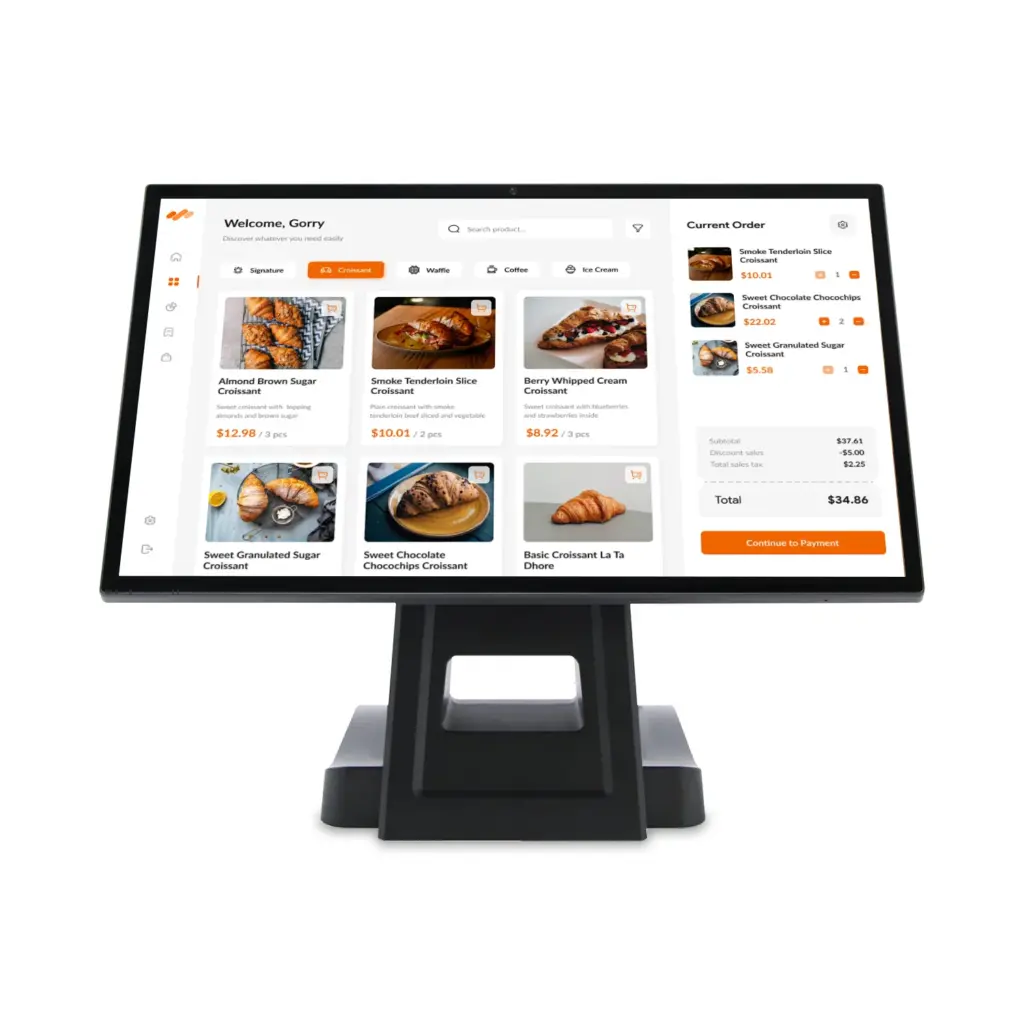
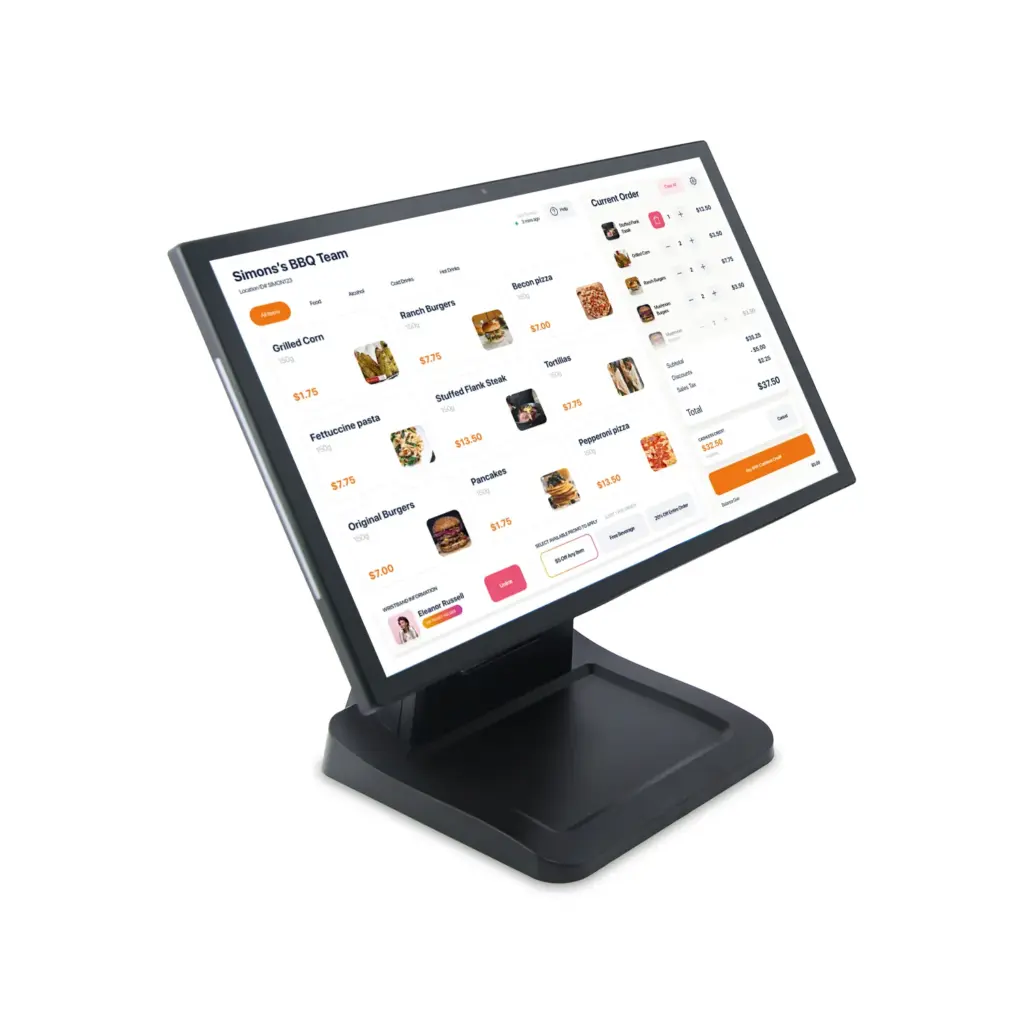
A point-of-sale (POS) system has three layers: the software that takes the order, the processing that moves the money, and the hardware that lets a human and a machine complete the transaction at the counter. POS hardware is that third layer — every physical device in the transaction path. Concretely: the terminal or computer that runs the POS application; the operator display, usually touch-sensitive; often a customer-facing second display for order confirmation and totals; the payment acceptance device for cards, taps, and wallets; and the order-intake and fulfilment attachments — barcode and QR scanners, receipt printers, cash drawers, scale units, kitchen printers in food service.
The distinction matters because the layers are bought separately and fail separately. A payment processor’s free loaned reader, a subscription software plan, and a commercial terminal each come from a different vendor with a different contract. Buyers who conflate the layers end up with hardware chosen by the software demo rather than by the trading environment — and the trading environment, eight hundred transactions a day with sticky fingers and a coffee spill per week, is what decides whether year two is quiet or expensive.
The Core Unit: Terminal, Mainboard, and What Runs On It
At the centre sits the compute unit, and here the market splits three ways. Traditional till vendors ship closed systems with proprietary software — capable, locked. The dominant modern pattern is a POS terminal: a fanless or low-profile computer, running Windows, Linux, or Android, on which commercial POS applications install like any other app. And underneath both, the component most buyers never see: the mainboard. In catalogue terminals it is whatever the assembler sourced; in dedicated designs it is a board specified for the job — Rockchip or Intel-class system-on-chip, the right spread of RS-232 and RS-485 serial ports, USB, イーサネット, GPIO — because the port map decided at board level is the port map you live with for the product’s whole life.
Three questions sort most core units quickly. What is the duty-cycle and thermal design — can it run trading hours, twelve to eighteen a day, in a warm counter recess, without throttling? What interfaces does it expose, and are they stable across production batches (the silent killer in fleet POS is a mid-life USB controller change that breaks a printer driver)? And who controls the firmware: when something at the counter misbehaves at 11 a.m. Saturday, is there a watchdog that recovers the device by itself, and an update path that can be rolled back, or only a power-cable ritual and a support ticket?
Displays and Touch: Operator Side and Customer Side
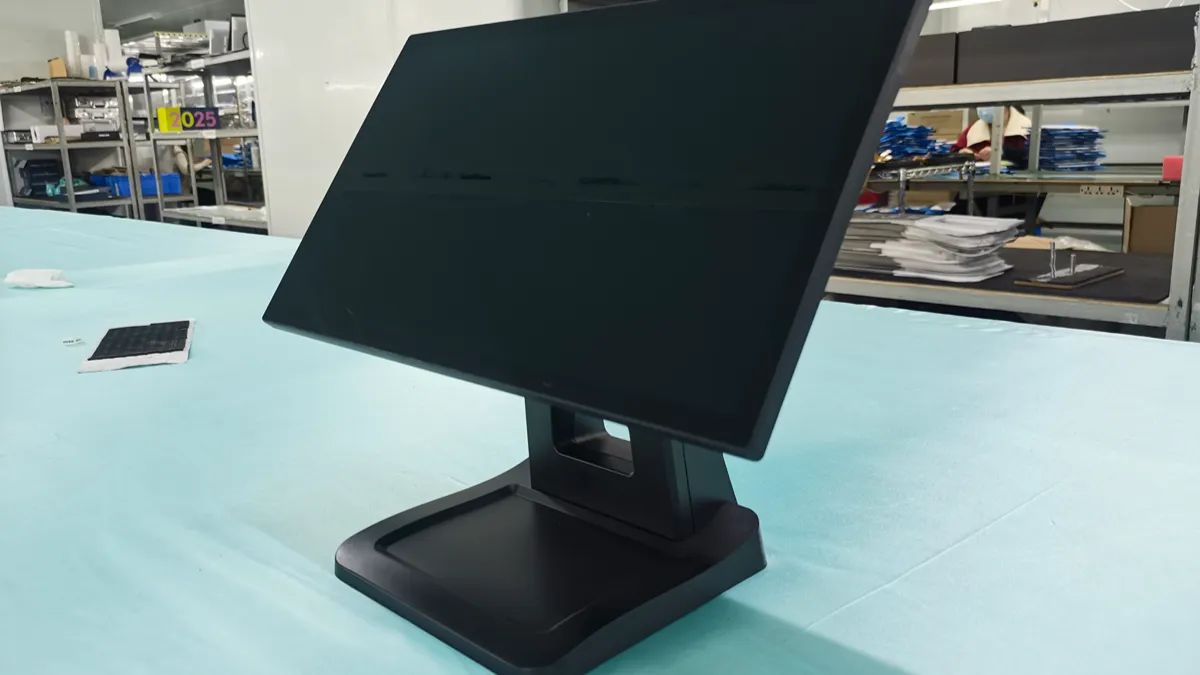
The operator display is where staff live, and its demands are mechanical before visual: a projected-capacitive touch surface that keeps responding through gloves, water, and oil; a brightness and viewing angle that survive a sunlit front of house; a bezel sealed enough to wipe clean and low enough not to catch the cuff of a uniform. Sizes cluster around the 15-inch class for single-operator counters — 15.6 inches has become the common landscape for full-screen order grids — with larger formats where floor staff share a station across a wide bar.
The customer-facing display is the quiet upgrade that changes counter behaviour: order confirmation on the guest’s side of the transaction cuts disputes at the moment of payment, doubles as a small advertising surface, and — increasingly — invites engagement through a QR code or NFC tap for loyalty sign-up and digital receipts. Dual-screen terminals package both in one hinge-managed unit with independent content on each panel; in Levinko’s line that is exactly the job of the POS hardware family, whose 15.6-plus-10.1 configuration puts the order screen and the customer screen on one arm and one cable loom.
Payment and Order-Entry Peripherals
Payment acceptance is its own device class with its own buying logic. Card terminals (PIN pads) connect over USB or serial, are certified by the payment application rather than by the display maker, and usually arrive from the acquirer or processor. The hardware question for the counter is not which card reader but how many attachment points the terminal must have: dedicated serial ports that will not be consumed by other devices, managed power, and a physical mounting story — a PIN pad Velcroed to a till is a PIN pad on the floor within a month.
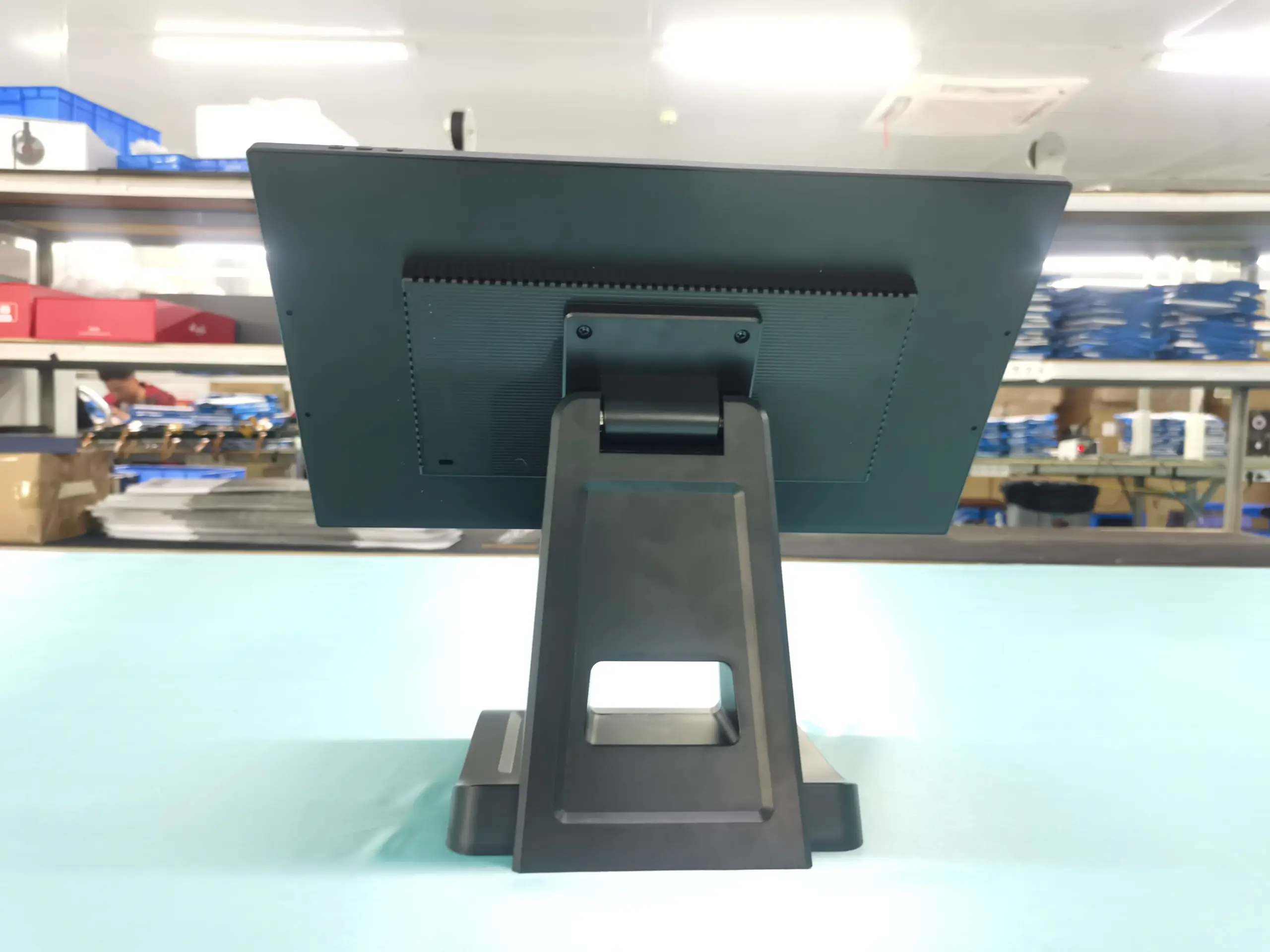
Order-entry and fulfilment attachments — barcode and QR scanners for retail, receipt and label printers, cash drawers driven over an RJ-type kick port, kitchen printers or displays for restaurants — are commodity devices with one non-commodity requirement: integration. Each one is a driver, a power draw, and a failure mode, which is why serious deployments prefer fewer boxes: scanners and printers integrated into the kiosk or terminal, one chassis, one service path. The same logic drives self-order configurations, where self-order and payment kiosks fold the scanner, printer, and payment mount into a single floor unit the customer operates.
Form Factors: Where the Hardware Physically Lives
Single-screen countertop terminals: the default till, best where staff take orders and the queue is short. Dual-screen terminals: same footprint, adds the customer display, suits bars, quick-service counters, and retail with order confirmation or advertising duties. Countertop self-order units — a compact ordering kiosk that sits on the existing counter rather than claiming floor space — bring the order-and-pay flow to venues without room for a floor stand. Floor-standing kiosks with printer and scanner handle high-volume QSR ordering and unattended payment, freeing staff for food-prep and hospitality. Wall-mounted tablets and panels run line-busting, tableside ordering, queue management, and check-in roles. Handheld units cover pay-at-table entirely.
| Form factor | Who buys it | The spec that matters most |
|---|---|---|
| Single-screen countertop terminal | Cafés, boutiques, bars | Port map and footprint; sealed, wipeable touch surface |
| Dual-screen terminal (e.g. 15.6 + 10.1) | QSR, quick retail, ホテル | Independent content per display; cable management through one arm |
| Self-order kiosk (countertop or floor-standing) | High-volume QSR, venues short on counter staff | Integrated printer/scanner/payment mount; vandalism-rated surfaces; uptime |
| Wall-mounted panel / handheld | Tableside service, queue management, check-in | Mounting and power story (PoE helps); battery cycling for handheld fleets |
Commercial Grade vs. Consumer Gadgets: Where the Line Really Is
A tablet with a stand can take payments. What it cannot do is take eight hundred transactions a day for five years, and the POS-specific differences are narrower than the marketing suggests. Commercial POS hardware is built for continuous duty with documented ratings; carries touch controllers and glass tuned for wet, greasy, high-frequency use; keeps a stable interface set and long-lived driver support so a printer bought in year one still works in year four; includes the watchdog auto-recovery that turns a hang into a thirty-second blip instead of a closed section; and ships with firmware that an owner can update across a fleet, with rollback, without anyone tapping screens behind a counter.
The consumer-substitution decision is mostly about failure economics. When one store’s gadget dies, a manager drives to another location and moves it. When the pattern is a firmware incompatibility across sixty units after a POS app update, the difference between consumer and commercial is measured in trading days, and it lands entirely on your side of the contract because no one sold you a support path. Decide once, deliberately, per venue type — pop-ups on consumer tablets are fine; the flagship high-volume counter rarely is.
How B2B Buyers Actually Acquire POS Hardware
Route one: buy standard. A catalogue terminal or kiosk, configured by options, delivered unbranded or mildly branded — the right answer up to modest volumes and whenever your software runs on a common Android or Windows footprint. Route two: light customisation — your logo and boot screen, a Pantone-matched enclosure, interfaces added or removed from the platform (keep the card-reader serial, drop the second video output, add NFC where the standard unit omits it). This is where a supplier’s OEM and ODM services begin, and where a franchise group or regional brand stops looking like everyone else’s demo unit.
Route three: the deep build. Board-level design around Rockchip or Intel-class silicon, a custom PCBA whose port map matches your exact peripheral set, API and SDK surfaces open enough that your software team controls what the screens, LEDs, スキャナー, and payment modules do, and certification work (UL, UKCA and friends) scoped with the manufacturer rather than discovered by an inspector. Payment-technology integration — which PIN pads are validated with your stack, how the drawer and printer behave at the protocol level — is exactly the kind of system question to settle with an engineering partner at the software and system integration stage, before tooling, not after. Whatever route fits, the quote should state the same three things: the configuration, the volume price and how long it is held, and the service model — because the right way to buy POS hardware is to buy an uptime plan that happens to include boxes.
よくある質問
What is included in POS hardware?
Everything physical in the transaction path: the compute terminal that runs the POS application, the operator touchscreen and any customer-facing display, and the peripherals — payment acceptance device, barcode or QR scanner, receipt or label printer, cash drawer, and in restaurants the kitchen printing or display. ソフトウェア, payment processing, and merchant accounts are separate layers bought under separate contracts, even when the same salesperson smiles through all of them.
Is a tablet a POS terminal?
It can run a POS application, which is not the same as being a terminal. A commercial terminal is specified for continuous duty at the counter, exposes stable serial and USB interfaces for readers, drawers, and printers, recovers from hangs by itself, and supports fleet-wide firmware you control. Tablets serve well as handhelds for tableside ordering in many venues; as the fixed till in a high-volume counter, the missing interfaces and the consumer duty cycle surface as cost within a year.
What hardware do I need to accept card payments?
A payment acceptance device validated with your POS software and acquirer — typically a PIN pad with contactless tap support, mounted at the counter — plus the interface on the terminal side it connects to: a reserved USB or serial port and stable drivers. Card brands and processors certify the payment application and device pair, not your display, so the terminal purchase should be judged on how cleanly it hosts the pad: mounting, cable route, and a port that stays free.
Should we add a self-order kiosk or a second customer screen?
They solve different problems. A second customer screen changes the transaction at an existing staffed till: confirmation, fewer disputes, a small advertising surface, minimal floor work. A kiosk removes the order from the queue entirely and pays back where labour is the constraint or the queue is the complaint. Many estates end up with both, which is an argument for buying screens and kiosks from one product family so the finish, the management layer, and the spares pool stay common.
Can we get our own brand on POS terminals?
At the white-label tier, yes, as a baseline service: logo silkscreen, custom boot animation and start-up screen, your packaging, preloaded applications. Step up to light customisation for enclosure colour and material choices and for interface changes on the platform, and to board-level OEM/ODM work when your volume justifies a custom PCBA with your exact port map and an open API/SDK for your software team. The question to ask a supplier is not “can you customise” but “at which tier does my change stop being an option list and become a project.”