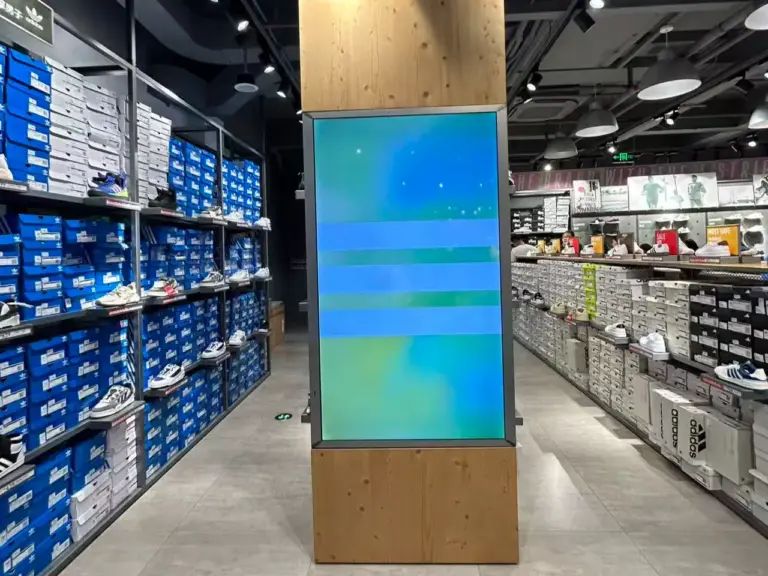
Compare digital signage for business: panel grade, 輝度, デューティサイクル, SoC platform, CMS, mounting, connectivity and warranty before you commit budget.
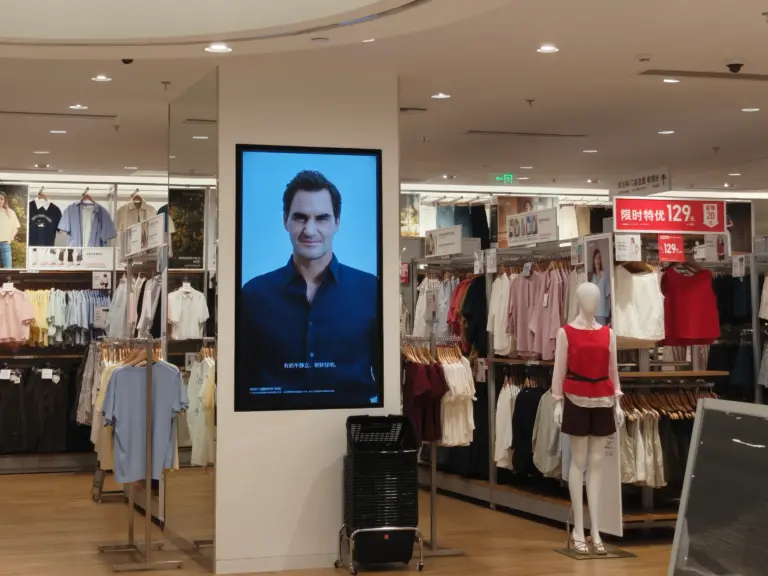
What is digital signage? Learn how commercial display networks work — media players, CMS, screens — and where retail, hospitality and offices deploy them.
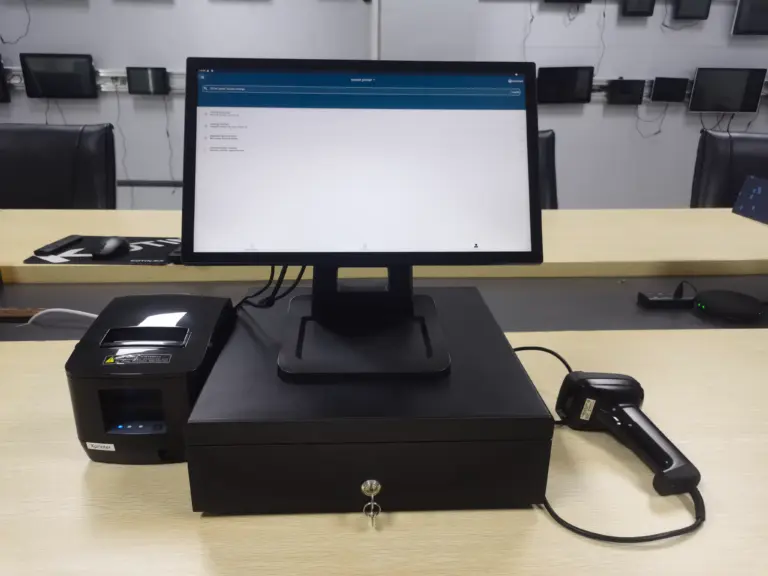
購入前に POS ハードウェアを 10 の要素で比較してください: デューティサイクル, ポートマップ, ディスプレイ, 周辺機器, API, ネットワーク, ファームウェアのライフサイクル, そして実際の総コスト.
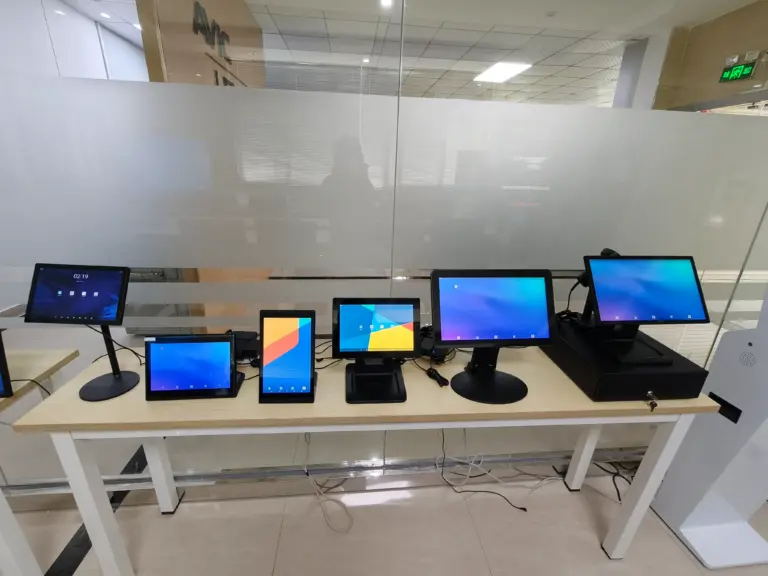
POSハードウェアとは何ですか? 端子, ディスプレイ, すべてのカウンターの後ろにある支払いデバイス, B2B バイヤーが商用グレードの機器を大量に選択する方法.
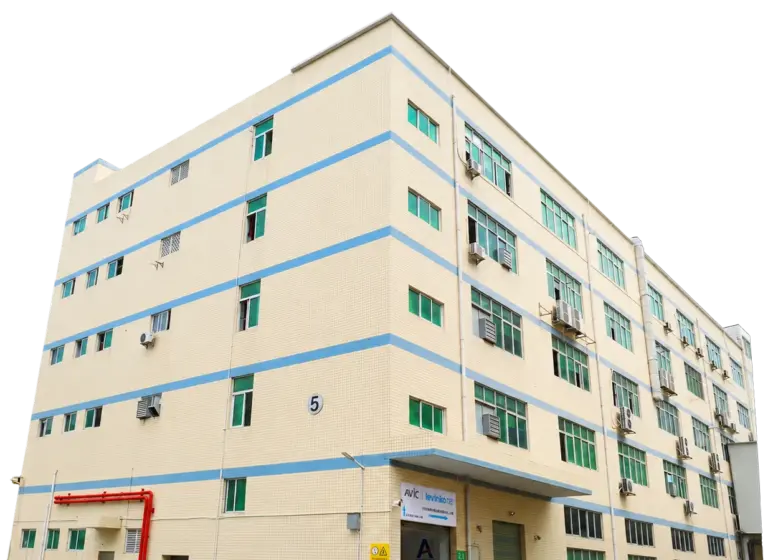
工場の深さについてセルフサービスキオスクメーカーを精査する, テスト, 認証, カスタマイズ層, 透明性のある価格設定とアフターセールス RMA サポート.
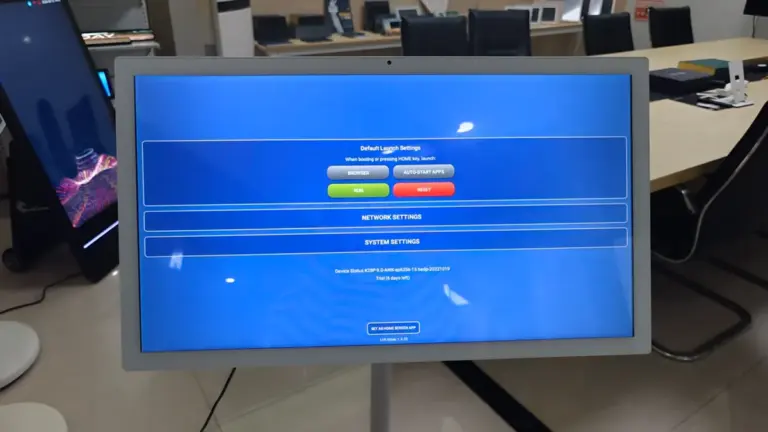
Compare self service kiosk hardware on 10 factors: form factor, panel grade, OS choice, 周辺機器, payment, connectivity, reliability and supplier support.
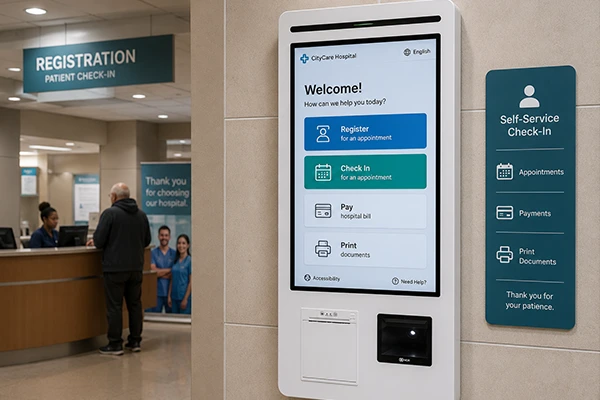
Learn what a self service kiosk is: core components, floor, desktop and wall-mounted types, and how retail, restaurant and healthcare businesses use them.
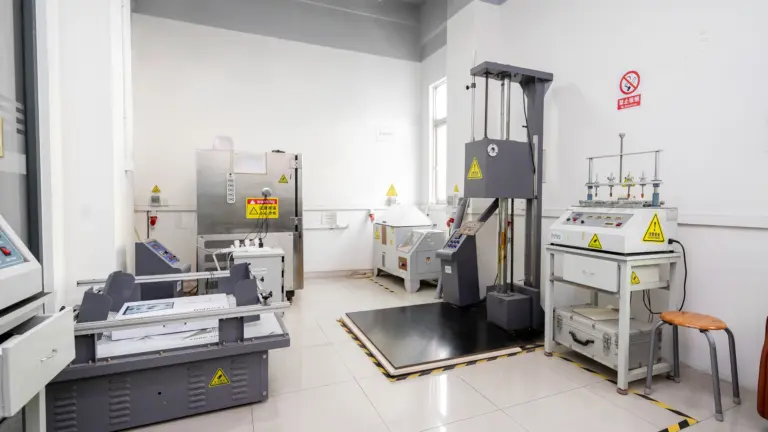
See how commercial touch screen monitors are tested for reliability before deployment: SMT checks, SOP assembly, 24-hour burn-in aging, panel QC and audits.
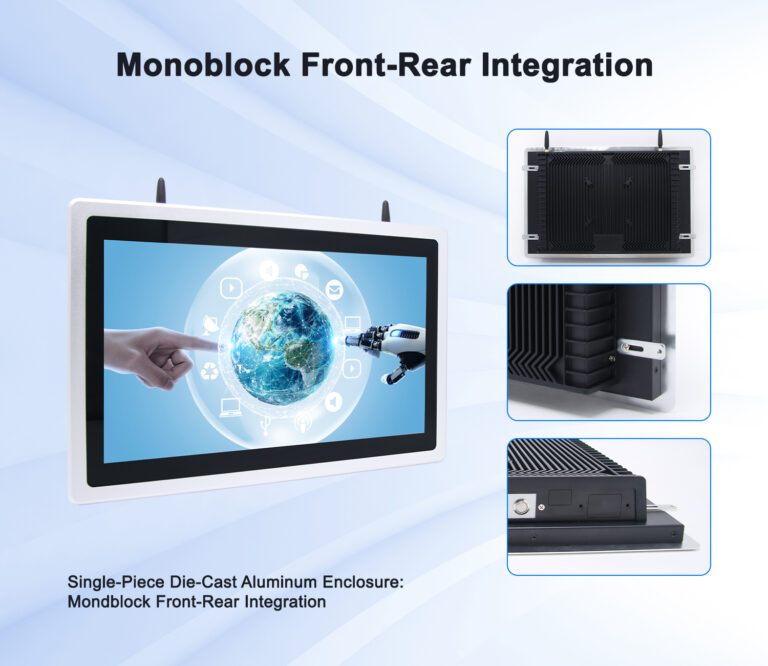
Decode IP ratings for touch screen monitors: dust and water digits, front-panel vs full-enclosure IP65, and the right protection level per environment.
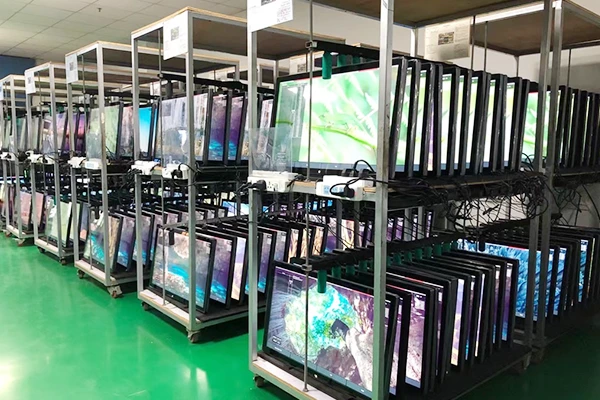
This guide covers what actually makes a touch screen monitor survive continuous commercial duty: the panel grade, the recovery hardware, the thermal design, the factory testing, and the environmental factors that quietly kill “always-on” deployments. It is written for operations managers and procurement leads who will own these devices long after the installation crew has ... <a title="What Makes a Touch Screen Monitor Suitable for 24/7 Commercial Use?" class="read-more" href="https://levinko.com/what-makes-a-commercial-touch-screen-monitor-24-7-use/" aria-label="Read more about What Makes a Touch Screen Monitor Suitable for 24/7 Commercial Use?」>Read more</a>
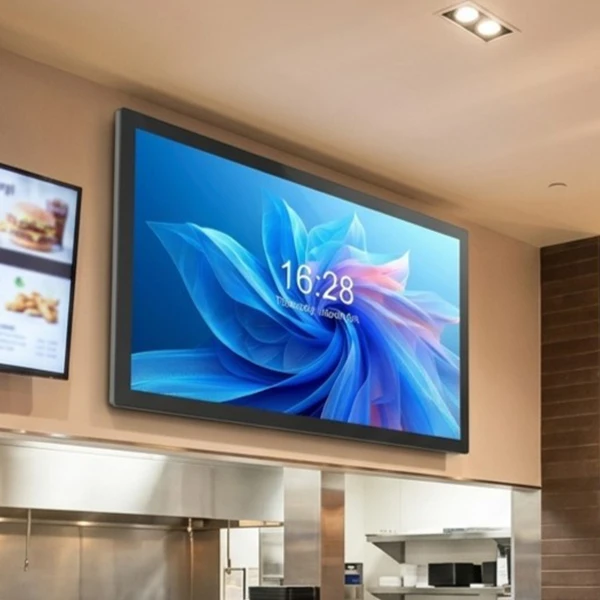
Wall-mounted or open-frame touch screen monitor? Compare installation, protection, service access and integration to pick the right form factor per site.
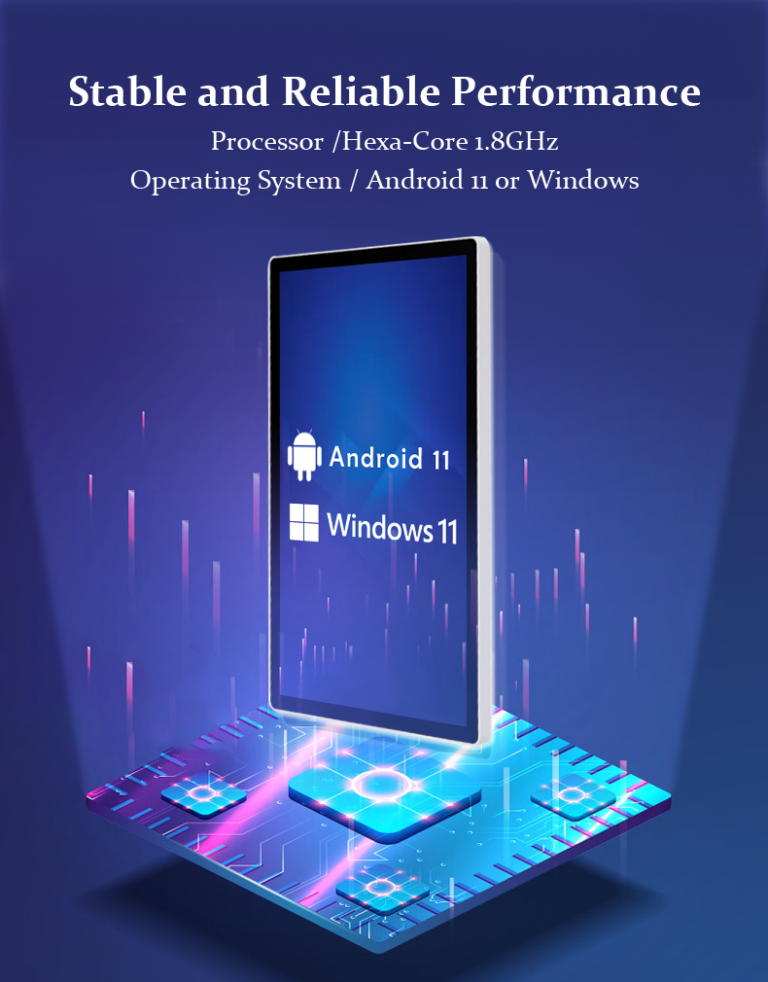
See when an Android touch screen monitor beats a player box or Windows PC: kiosk mode, PoE power, OTA updates and model-agnostic APIs for kiosk fleets.
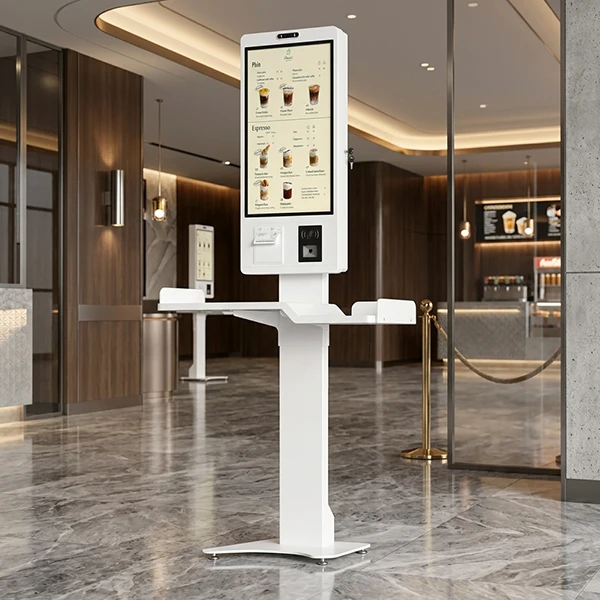
A touch screen monitor that is one size too small becomes a kiosk people lean over; one size too large becomes an expensive screen nobody can reach comfortably. In commercial projects the screen size decision cascades into everything else — the enclosure, the mount, the power budget, the software layout, and even the network design. ... <a title="How to Choose the Right Touch Screen Monitor Size for Commercial Applications" class="read-more" href="https://levinko.com/how-to-choose-touch-screen-monitor-sizes/" aria-label="Read more about How to Choose the Right Touch Screen Monitor Size for Commercial Applications」>Read more</a>
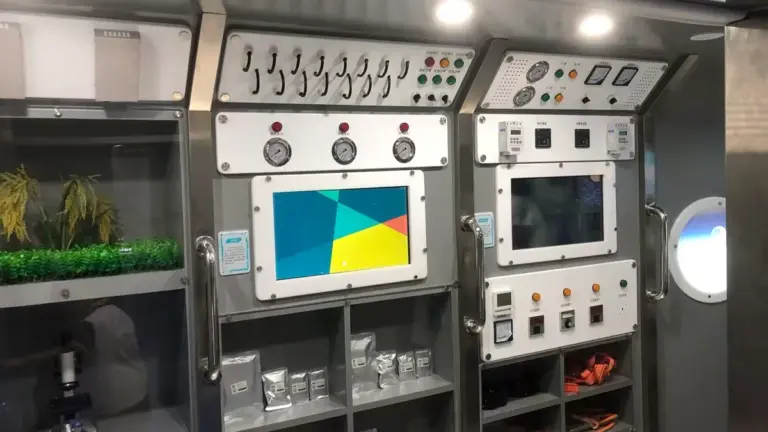
A wall-mounted tablet is the smallest screen with the biggest job description: room scheduling panel, door-side check-in, in-room control interface, digital directory, point-of-information station. Because it bolts directly into the building — often dozens or hundreds of units at a time — the size, power, and mounting decisions made at purchase time are locked in ... <a title="How to Choose Wall-Mounted Tablets for Commercial Projects: Size, Power and Mounting" class="read-more" href="https://levinko.com/how-to-choose-commercial-wall-mounted-tablets/" aria-label="Read more about How to Choose Wall-Mounted Tablets for Commercial Projects: Size, Power and Mounting」>Read more</a>
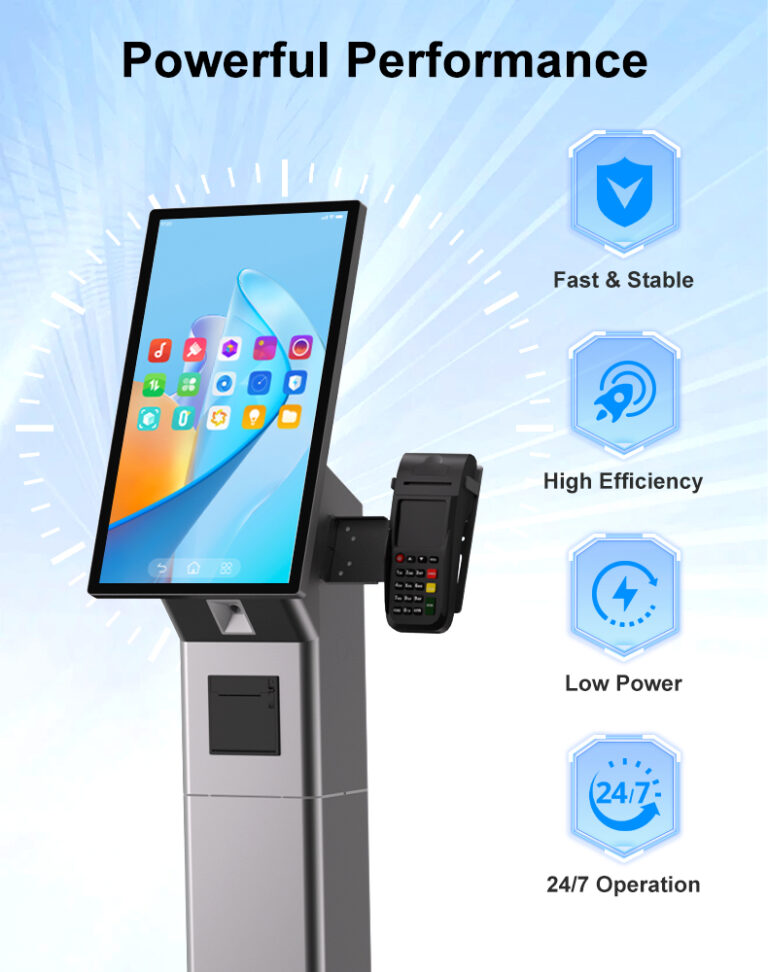
A consumer tablet costs a fraction of a commercial touch screen monitor, and on a demo table the two can look almost identical. That similarity collapses the moment both are deployed: the consumer device was engineered for a few hours of daily use in a living room, while the commercial unit is engineered for continuous ... <a title="Commercial Touch Screen Monitor vs. Consumer Display: What Is the Difference?" class="read-more" href="https://levinko.com/commercial-touch-screen-vs-consumer-displays/" aria-label="Read more about Commercial Touch Screen Monitor vs. Consumer Display: What Is the Difference?」>Read more</a>
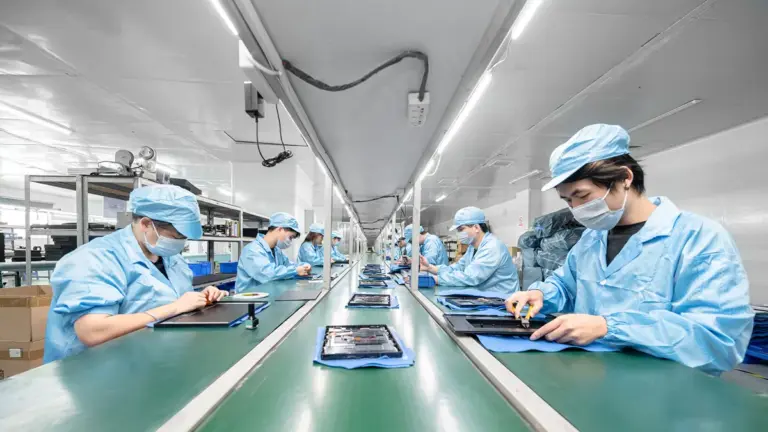
Choosing a touch screen monitor is a product decision; choosing who builds it is a business decision. The manufacturer determines whether your second order matches your first, whether engineering questions get answered in a day or a week, and whether a hardware problem in the field becomes a couriered spare part or a six-week argument. ... <a title="How to Choose a Touch Screen Monitor Manufacturer for OEM and Commercial Projects" class="read-more" href="https://levinko.com/how-to-choose-a-touch-screen-monitor-manufacturer/" aria-label="Read more about How to Choose a Touch Screen Monitor Manufacturer for OEM and Commercial Projects」>Read more</a>
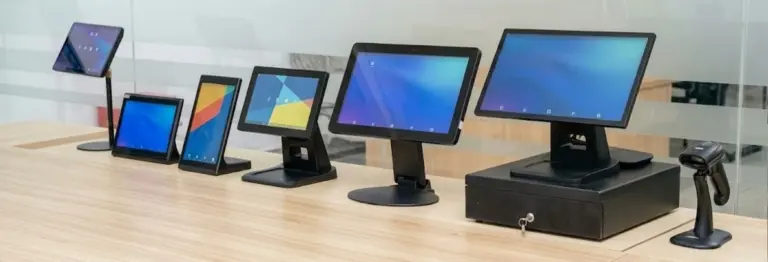
See what drives commercial touch screen monitor price: panel grade, size, touch tech, computing platform and customization — and how to budget bulk orders.
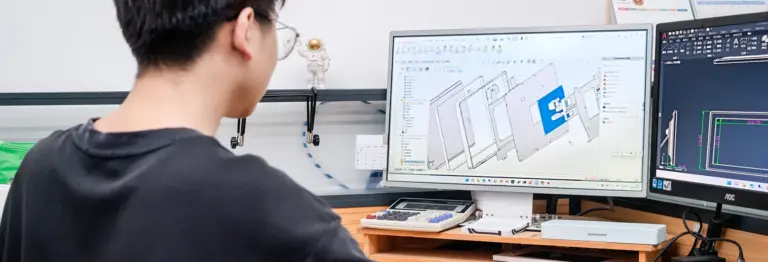
See what a custom touch screen monitor program covers: ブランディング, materials, インターフェース, board-level design, certifications and lead times for B2B OEM projects.
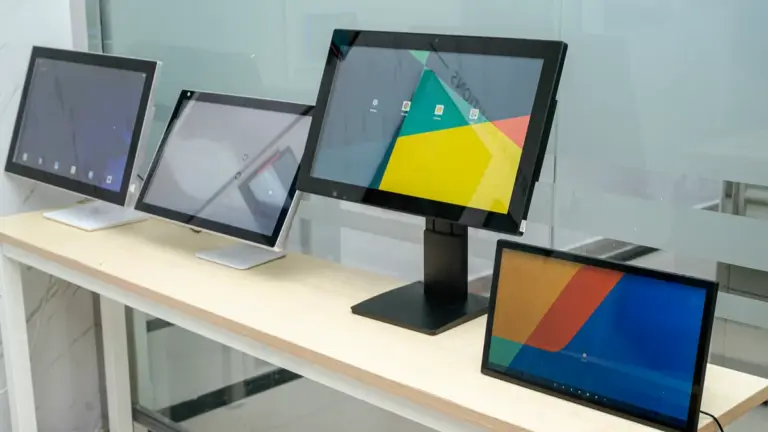
Compare touch screen monitor for business options across 12 factors: panel grade, touch tech, PoE power, 24/7 reliability and certifications before you order.
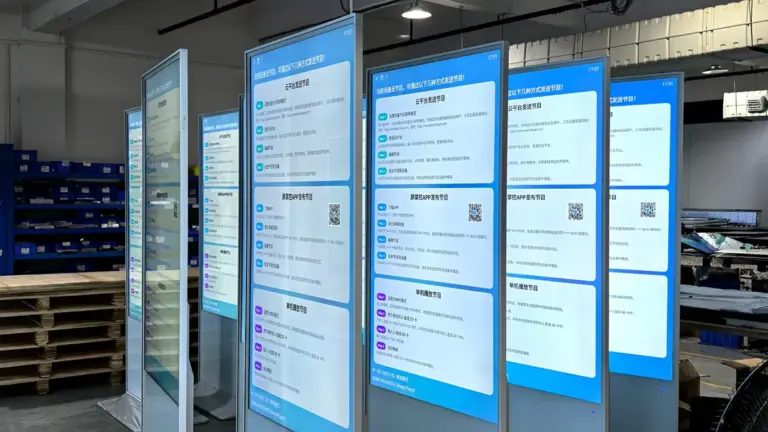
ビジネス向けのさまざまなタイプのタッチ スクリーン モニターを比較する, デスクトップを含む, 壁掛け式, オープンフレーム, およびキオスクのディスプレイ. 適切な商用タッチ スクリーン ソリューションを選択する方法を学ぶ.
Inspired by our insights? Let our hardware engineering team turn your software concepts into a reliable, market-ready reality.