A consumer tablet costs a fraction of a commercial touch screen monitor, and on a demo table the two can look almost identical. That similarity collapses the moment both are deployed: the consumer device was engineered for a few hours of daily use in a living room, while the commercial unit is engineered for continuous operation, public touching, and years of service. Understanding what separates a commercial touch screen monitor from a consumer display is what keeps projects from discovering the difference at the worst possible time — in the field, after rollout.
This guide compares the two hardware classes across the dimensions that decide deployment outcomes: grado del panel, build materials, operating ratings, touch systems, computing platforms, interfaces, compliance, and lifecycle economics. It is written for procurement managers and AV/IT integrators who keep getting asked why the “cheap option” is not really the cheap option.
Conclusiones clave
- Commercial monitors use A-grade panels, tempered glass, and metal or engineering-plastic enclosures; consumer devices optimize for retail price and appearance.
- 24/7 operation ratings and hardware watchdog recovery exist only on the commercial side — the two features that decide unattended-deployment survival.
- Industrial interfaces (RS232, RS485, GPIO, PoE, NFC) are standard options on commercial hardware and absent on consumer devices.
- Commercial units carry CE/FCC/RoHS certification matched to ordered configurations, with UL/UKCA support — consumer devices rarely document export configurations.
- On a three-year total-cost basis, commercial hardware wins wherever the display is business-critical: fewer failures, spares that match, and a supplier who answers.
Panel Grade and Display Engineering
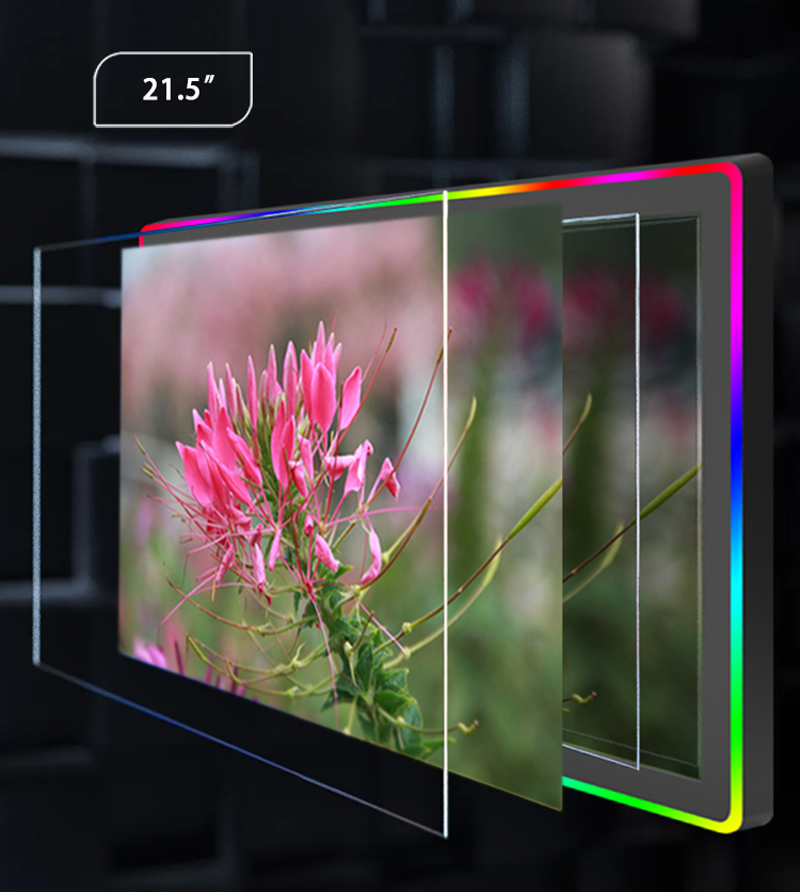
Commercial monitors are typically built around A-grade IPS panels, selected for wide viewing angles, stable color, and — critically — luminance retention under continuous operation. Consumer devices buy panels to a price, and panel sourcing can change mid-product-cycle without notice. The visible consequence in the field is familiar to anyone who has run consumer screens as signage: brightness falloff and a yellowish cast within a year, then uneven aging across a video wall as individual panels drift differently.
Commercial display engineering also covers options consumer products simply do not offer: high-brightness panels at 1000+ nits for storefront windows and sunlit lobbies, anti-glare (AG) glass for readable screens under overhead lighting, and anti-fingerprint (DE) coatings that cut cleaning frequency on public-facing touch surfaces. When the deployment site has uncontrolled light, these options are not luxuries; they decide whether the screen is usable at all.
Build Materials and Enclosure Construction
Pick up the two hardware classes and the difference is immediately physical. A commercial touch monitor is framed in tempered glass, aleación de aluminio, and ABS/PC engineering plastics, assembled for public abuse: constant touching, surface cleaning with industrial agents, knocks from carts and vacuum cleaners. Consumer tablets and monitors use lighter, cheaper materials engineered for a device that lives on a desk and gets replaced every few years.
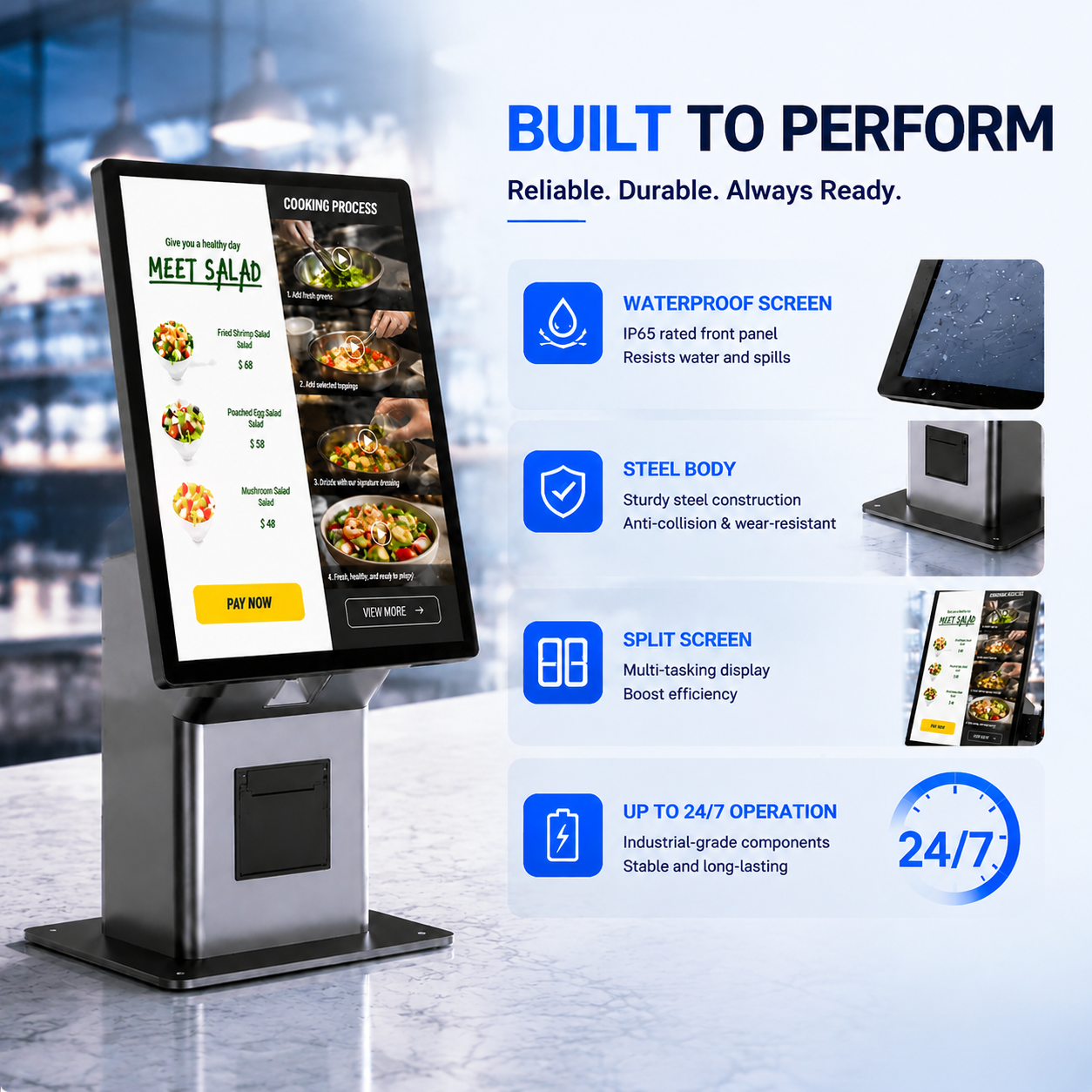
For demanding environments, commercial enclosures go further: IP65-rated front panels that seal the display surface against dust and water jets — the standard requirement for food service counters, healthcare settings, and light industrial floors. Consumer devices carry no ingress protection on their display surfaces; a wipe-down with a damp cloth is an adventure. Enclosure design also determines mounting: commercial monitors provide standardized VESA patterns and, in platform product lines, consistent mounting across sizes, while consumer devices need adapters for anything beyond a desktop stand.
Continuous Operation and Self-Recovery
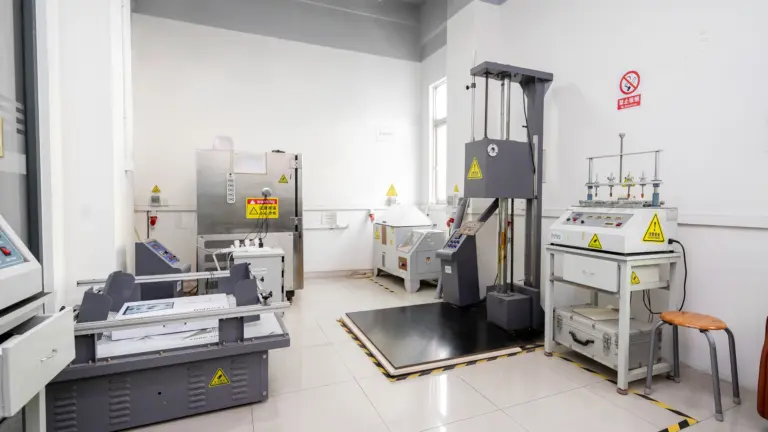
The sharpest dividing line is operating rating. Commercial touch monitors are engineered and tested for 24/7 operación continua, with thermal designs that move heat without dust-collecting fans and components rated for constant power-on life. Consumer devices assume intermittent use — a few hours a day — and their power stages, backlights, and batteries degrade quickly under always-on duty. Running consumer hardware around the clock typically produces failures within the first year.
The second commercial-only feature is the hardware watchdog: a mainboard-level circuit that monitors system health and forces a hardware restart when the OS or application freezes. Levinko’s watchdog recovers a frozen unit in roughly 50 artículos de segunda clase. On an unattended kiosk, ordering station, or meeting-room panel, that is the difference between a device that heals itself overnight and a device that shows a frozen screen to the first customer of the day. No consumer tablet or monitor ships with one.
Touch Systems Built for the Public
Commercial touch monitors standardize on projected capacitive (PCAP) touch — usually 10-point — behind tempered cover glass, with resistive touch offered for gloved or wet environments such as kitchens and workshops. Touch controllers are selected for accuracy after power cycles, and manufacturers supply calibration tools for field service. For background on the two technologies, see our comparison of capacitive versus resistive touch screen monitors.
Consumer touch systems are engineered for one known user with clean fingers at room temperature. In public deployments they meet realities they were never designed for: users touching with gloves, wet hands, or stylus cards; screens requiring daily disinfection; and touch surfaces accumulating millions of contacts over the device’s life. Commercial touch stacks are specified for exactly that duty cycle — which is why they survive it.
Computing Platforms and System Control
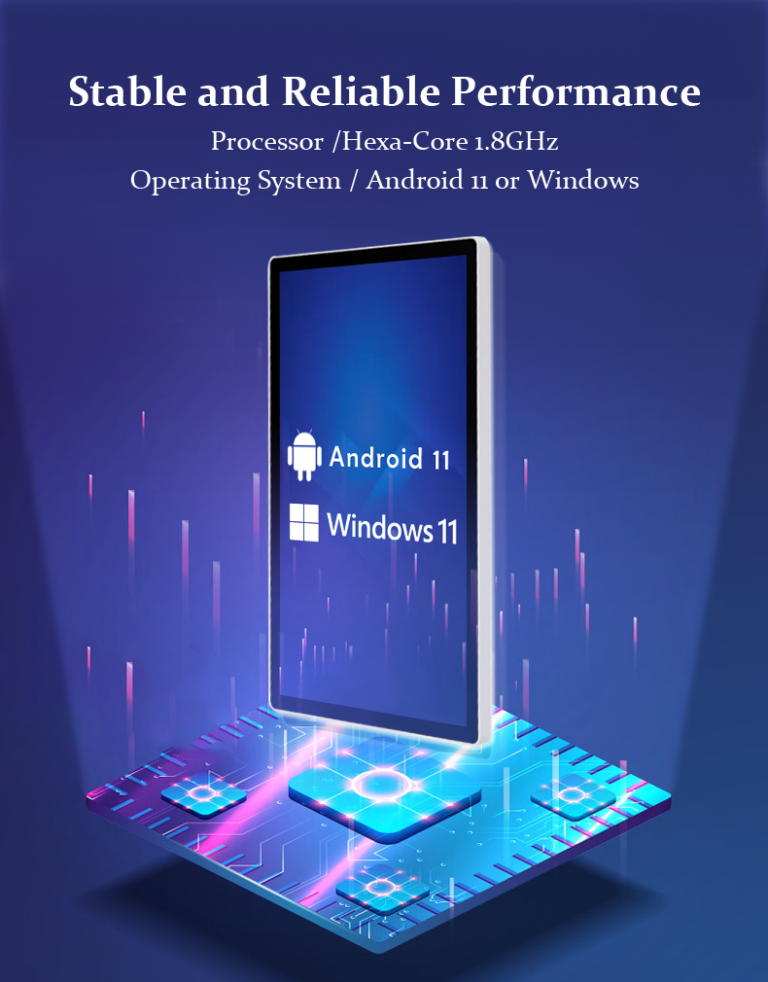
A commercial touch monitor can be deployed as a pure display or as an all-in-one computer with the OS built in: Androide (on mainstream SoCs such as Rockchip RK3566/RK3568), ventanas (Intel Core i3/i5/i7 or efficient Celeron/N-series platforms), or Linux. Crucially, commercial platforms support the control features fleets need: kiosk mode locked at the factory so units boot straight into one application, root access for deep integration, and OTA update paths (LAN-based, USB offline, or PC flashing). Consumer devices lock their bootloaders and offer none of this.
For B2B software teams, the deeper difference is the API layer. A commercial platform exposes documented interfaces for hardware functions — LED status bars, NFC/RFID readers, escáneres, screen control — and a platform supplier keeps those calls identical across every screen size in the line. Levinko’s model-agnostic API follows this principle, so a software product targeting the 10.1-inch meeting panel also runs the 15.6-inch POS terminal and the 21.5-inch kiosk without rework. Consumer devices offer no equivalent; integration is reverse-engineering.
Interfaces: Where Consumer Devices Stop
Consumer devices terminate at USB-C, hdmi, y wifi. Commercial deployments need more, and commercial hardware provides it: RS232 and RS485 serial channels for payment devices, escáneres, impresoras, and PLCs; GPIO and relay outputs to drive door strikes, lights, and sensors; NFC/RFID readers for access control; y PoE (Alimentación a través de Ethernet) so wall-mounted panels take power and data on one cable. None of these exist on consumer hardware, and none can be added without fragile external dongles.
The interface story extends to documentation. A commercial manufacturer supplies pin-definition drawings, protocol documents, and driver packages — the artifacts integration teams need to wire a deployment correctly. A well-built example is the MT01T Series wall-mounted touch display, which spans 10.1 a 65 inches with consistent industrial interfaces across the range. To see how these form factors map to use cases, our overview of Tipos de monitores de pantalla táctil para empresas covers desktop, montado en la pared, marco abierto, and kiosk formats.
Certification and Deployment Compliance
Commercial hardware is certified for the markets it ships to — CE, FCC, y RoHS as standard, with engineering support for UL and UKCA when buyers require those marks — and the certificates match the exact ordered configuration, down to the power adapter and wireless modules. Factories behind these products typically run under ISO 9001 quality management. Consumer devices are certified for retail sale in their home regions and nothing more; deploying them into commercial or export contexts leaves the compliance burden, and the customs risk, entirely on the buyer.
The paperwork distinction matters most at tender and procurement review. Enterprise buyers, government projects, and franchise rollouts routinely require conformity documents for the hardware as deployed — and auditors check that model numbers, adapter part numbers, and wireless module IDs on the certificates match the installed fleet. A commercial manufacturer issues that traceability by default; with consumer hardware, the documentation simply does not exist, and the gap surfaces at the least convenient moment in the approval cycle.
Ciclo vital, Apoyo, and Total Cost of Ownership
The final difference is what happens after the invoice. A commercial supplier guarantees continuity: consistent firmware across the fleet, spare parts that match installed units, a warranty with a defined RMA process (typically one-year baseline, 24-hour response, board-level spares by courier), and engineering support for the life of the deployment. Consumer product lines refresh annually; the exact model bought this year disappears, and replacements behave differently.
| Dimension | Commercial Touch Monitor | Consumer Display |
|---|---|---|
| Panel | A-grade IPS, high-brightness and AG/AF options | Price-driven sourcing, no continuity guarantee |
| Recinto | Tempered glass, aluminum, ABS/PC; IP65 front panel options | Light consumer materials, no ingress protection |
| Operating rating | 24/7 continuous; thermal design for always-on | Intermittent use; degrades under always-on duty |
| Recovery | Hardware watchdog auto-restart (~50 s) | None — frozen unit stays frozen |
| Interfaces | RS232/RS485, GPIO, relay, NFC/RFID, PoE | USB/HDMI/Wi-Fi only |
| System control | Kiosk mode, root access, OTA, documented API | Locked bootloader, no fleet controls |
| Cumplimiento | CE/FCC/RoHS per configuration; UL/UKCA support | Regional retail certification only |
| Ciclo vital | Stable supply, matching spares, defined RMA | Annual refresh; no spares continuity |
Put the numbers side by side for your own deployment: purchase price × units, plus failure replacement at consumer failure rates, plus the labor of physically rebooting and reimprovising unsupported hardware, plus the revenue cost of downtime. In business-critical deployments the commercial unit usually pays for its premium within the first replacement cycle. For a concrete configuration matched to your project, browse the Levinko commercial product line or tell us the deployment details — our team will recommend the right hardware class and size.
Preguntas frecuentes
Can I use a consumer tablet instead of a commercial touch screen monitor?
For occasional, supervised, light-duty use, a consumer tablet can work temporarily. For business-critical deployments it is a false economy: consumer devices are not rated for continuous operation, lack watchdog recovery, offer no industrial interfaces or kiosk-mode lockdown, and fail under public-duty touch cycles — typically within the first year of always-on service.
What does “24/7 rated” actually mean for a commercial monitor?
It means the display, iluminar desde el fondo, power stage, and thermal design are engineered and tested for continuous power-on operation rather than a few hours per day. Practically, the vendor stands behind always-on deployment: components are selected for constant duty, heat is managed without consumer-grade fan assemblies, and the warranty covers continuous use — a condition consumer warranties explicitly exclude.
Why do commercial touch monitors cost more than consumer displays?
The premium buys A-grade panels, tempered glass and metal or engineering-plastic enclosures, 24/7-rated power and thermal design, watchdog hardware, industrial interfaces, certification matched to ordered configurations, and a support lifecycle with matching spare parts. In business-critical deployments, avoided downtime and replacements usually repay that premium within the first failure cycle.
What is an IP65 front panel and when do I need one?
An IP65 front panel seals the display surface against dust and low-pressure water jets, enabling safe wipe-down cleaning and survival near splashes. You need it in food service, cuidado de la salud, and light industrial deployments. It protects the front surface specifically — the rear enclosure still requires appropriate mounting protection.
Do commercial touch monitors support kiosk mode?
Yes — commercial Android platforms support kiosk mode at the system level, and manufacturers such as Levinko lock it at the factory: the unit boots directly into your application and end users cannot exit to the home screen. Windows-based commercial units achieve equivalent lockdown through assigned-access configuration. Consumer devices do not offer factory-level single-application lockdown.
When is a consumer display actually good enough?
When the use is supervised, intermittent, indoor-clean, and non-critical — an internal presentation screen in a meeting room, a back-office annotation display — a consumer device can serve. The moment a deployment is unattended, public-facing, revenue-linked, or requires serial interfaces and fleet management, commercial hardware becomes the defensible choice.