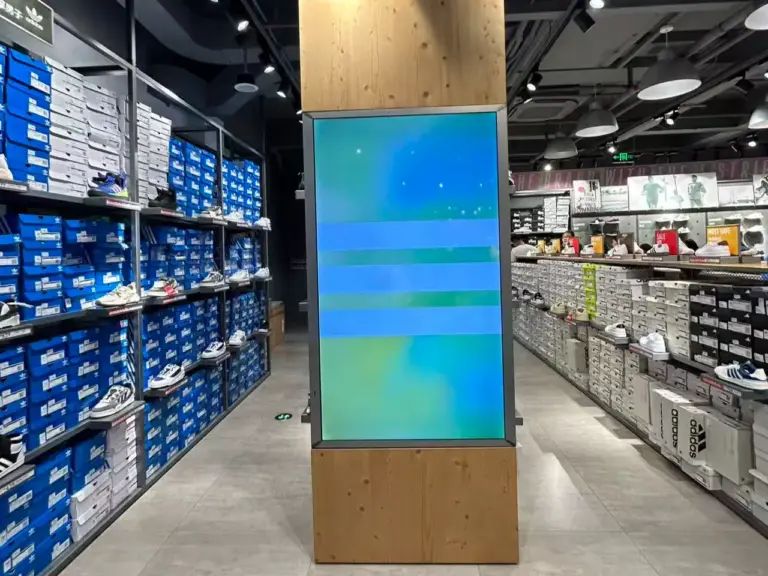
Compare digital signage for business: panel grade, brightness, duty cycle, SoC platform, CMS, mounting, connectivity and warranty before you commit budget.
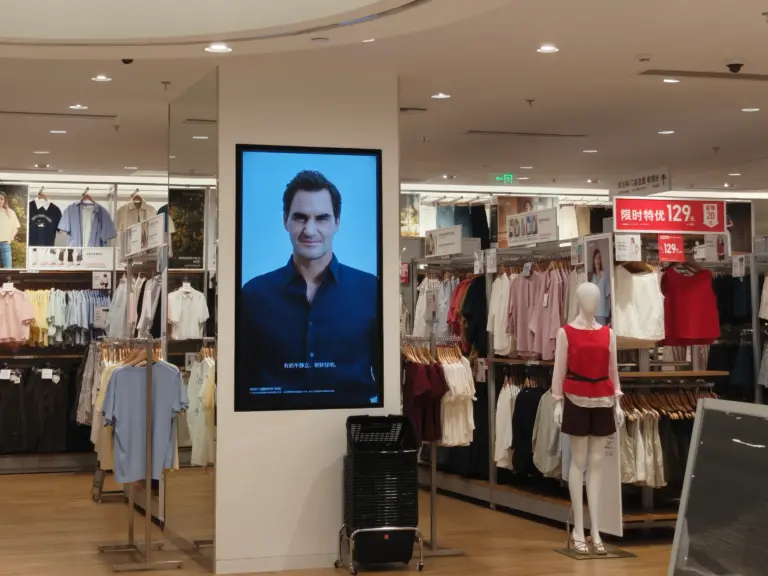
What is digital signage? Learn how commercial display networks work — media players, CMS, screens — and where retail, hospitality and offices deploy them.
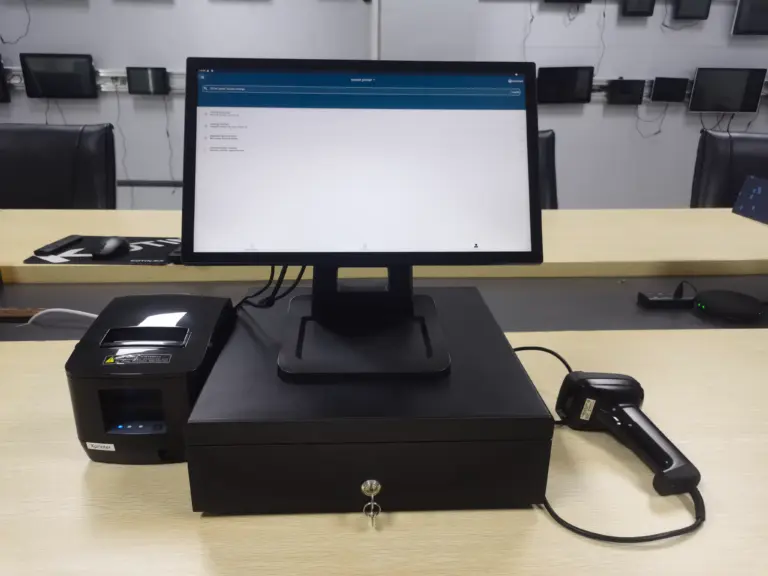
Compare POS hardware on ten factors before you buy: duty cycle, port map, displays, peripherals, APIs, network, firmware lifecycle, and true total cost.
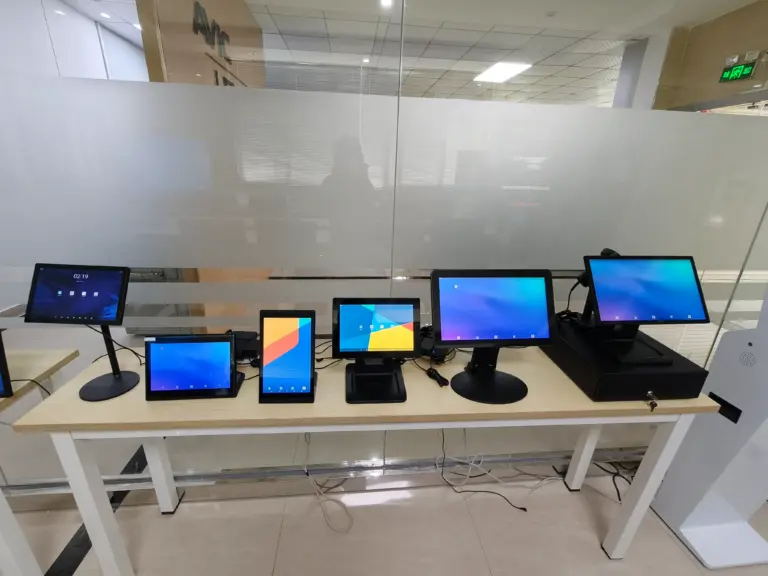
What is POS hardware? The terminals, displays, and payment devices behind every counter, and how B2B buyers choose commercial-grade equipment at volume.

Vet a self service kiosk manufacturer on factory depth, testing, certifications, customization tiers, transparent pricing and after-sales RMA support.
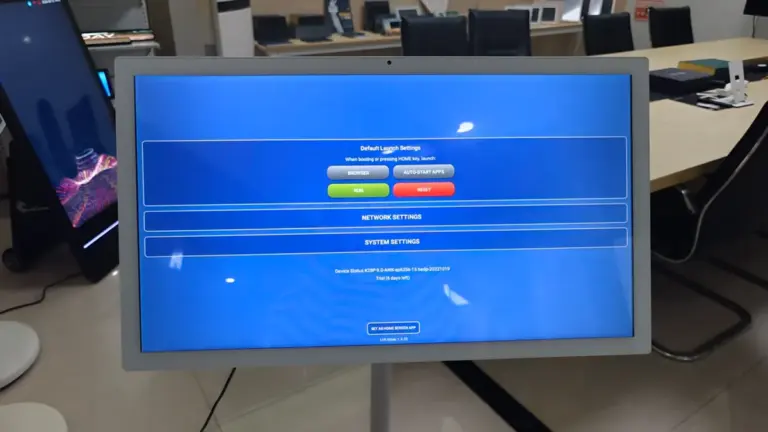
Compare self service kiosk hardware on 10 factors: form factor, panel grade, OS choice, peripherals, payment, conectividade, reliability and supplier support.
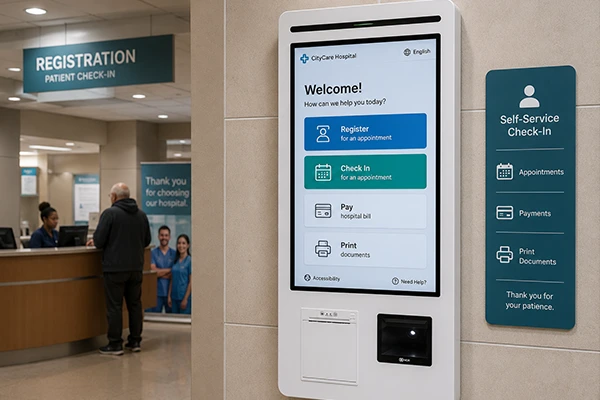
Learn what a self service kiosk is: core components, floor, desktop and wall-mounted types, and how retail, restaurant and healthcare businesses use them.
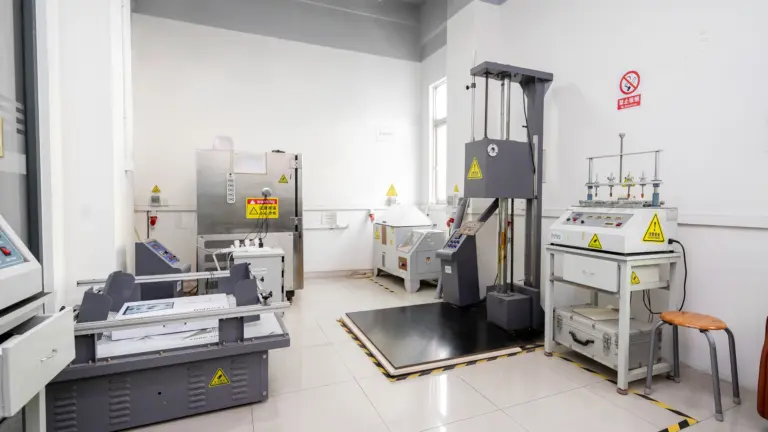
See how commercial touch screen monitors are tested for reliability before deployment: SMT checks, SOP assembly, 24-hour burn-in aging, panel QC and audits.
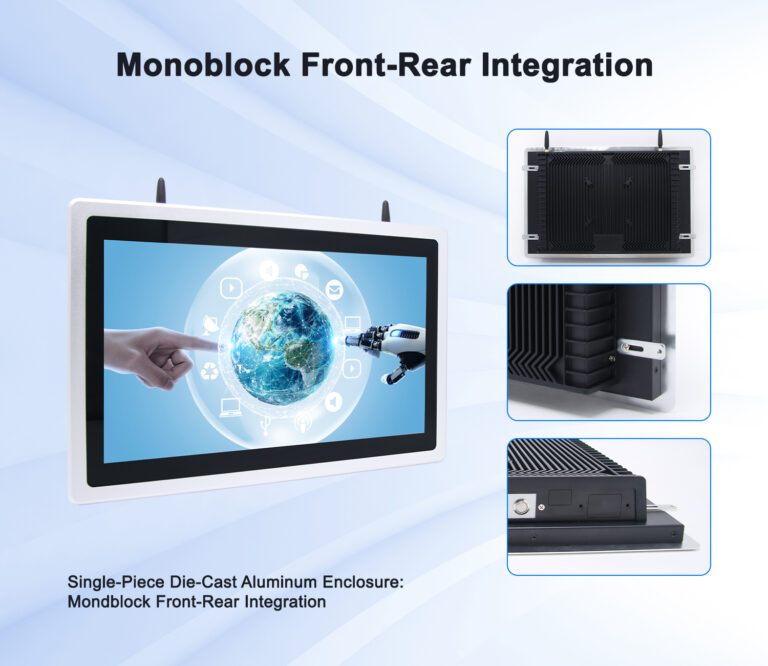
Decode IP ratings for touch screen monitors: dust and water digits, front-panel vs full-enclosure IP65, and the right protection level per environment.
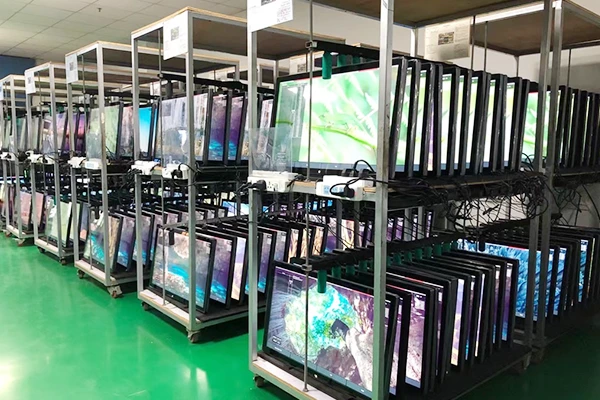
This guide covers what actually makes a touch screen monitor survive continuous commercial duty: the panel grade, the recovery hardware, the thermal design, the factory testing, and the environmental factors that quietly kill “always-on” deployments. It is written for operations managers and procurement leads who will own these devices long after the installation crew has ... <a title="What Makes a Touch Screen Monitor Suitable for 24/7 Commercial Use?" class="read-more" href="https://levinko.com/what-makes-a-commercial-touch-screen-monitor-24-7-use/" aria-label="Read more about What Makes a Touch Screen Monitor Suitable for 24/7 Commercial Use?">Read more</a>
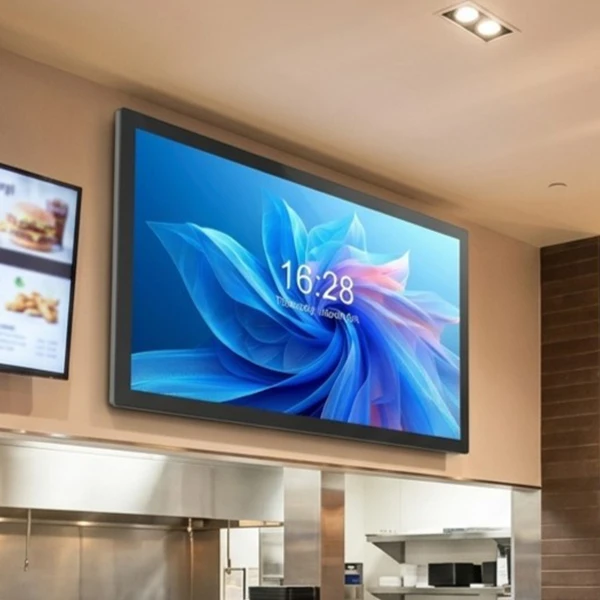
Wall-mounted or open-frame touch screen monitor? Compare installation, protection, service access and integration to pick the right form factor per site.
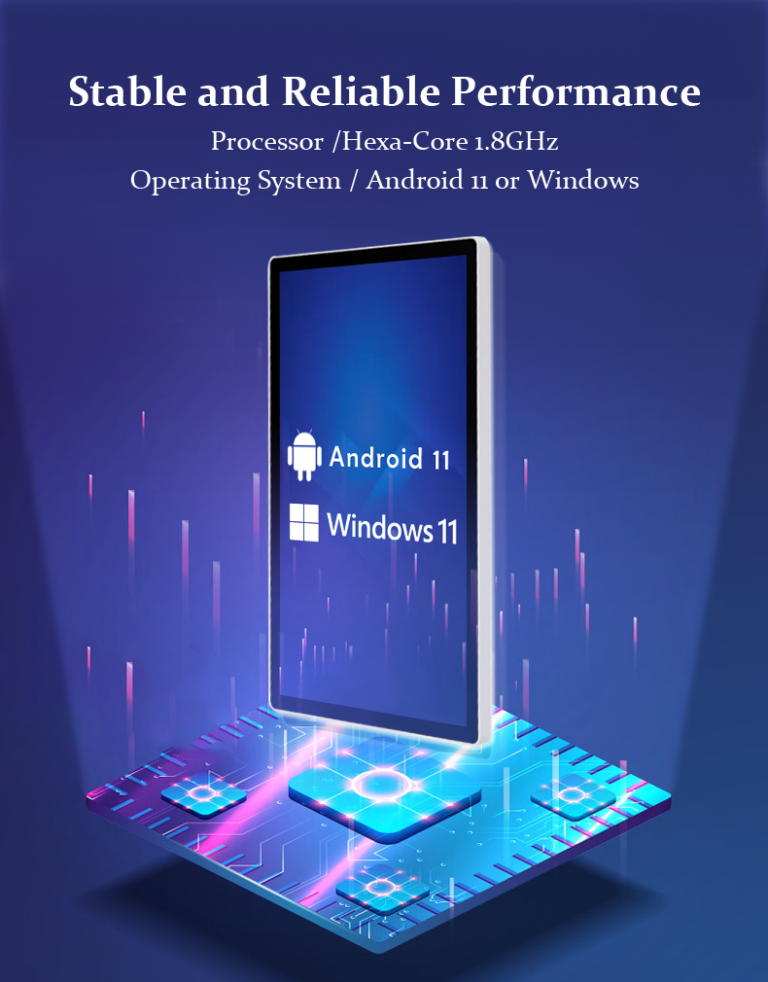
See when an Android touch screen monitor beats a player box or Windows PC: kiosk mode, PoE power, OTA updates and model-agnostic APIs for kiosk fleets.
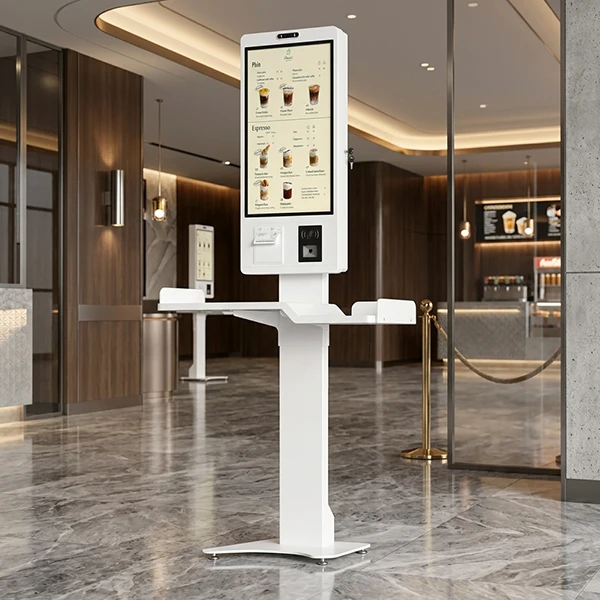
A touch screen monitor that is one size too small becomes a kiosk people lean over; one size too large becomes an expensive screen nobody can reach comfortably. In commercial projects the screen size decision cascades into everything else — the enclosure, the mount, the power budget, the software layout, and even the network design. ... <a title="How to Choose the Right Touch Screen Monitor Size for Commercial Applications" class="read-more" href="https://levinko.com/how-to-choose-touch-screen-monitor-sizes/" aria-label="Read more about How to Choose the Right Touch Screen Monitor Size for Commercial Applications">Read more</a>
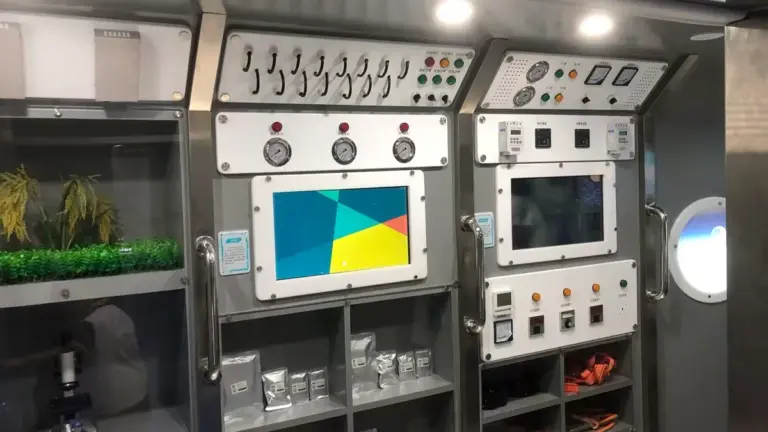
Um tablet montado na parede é a menor tela com a maior descrição de trabalho: painel de agendamento de salas, check-in na porta, interface de controle no quarto, diretório digital, estação de informação. Because it bolts directly into the building — often dozens or hundreds of units at a time — the size, poder, and mounting decisions made at purchase time are locked in ... <a title="How to Choose Wall-Mounted Tablets for Commercial Projects: Tamanho, Potência e montagem" class="read-more" href="https://levinko.com/how-to-choose-commercial-wall-mounted-tablets/" aria-label="Read more about Como escolher tablets montados na parede para projetos comerciais: Tamanho, Potência e montagem">Read more</a>
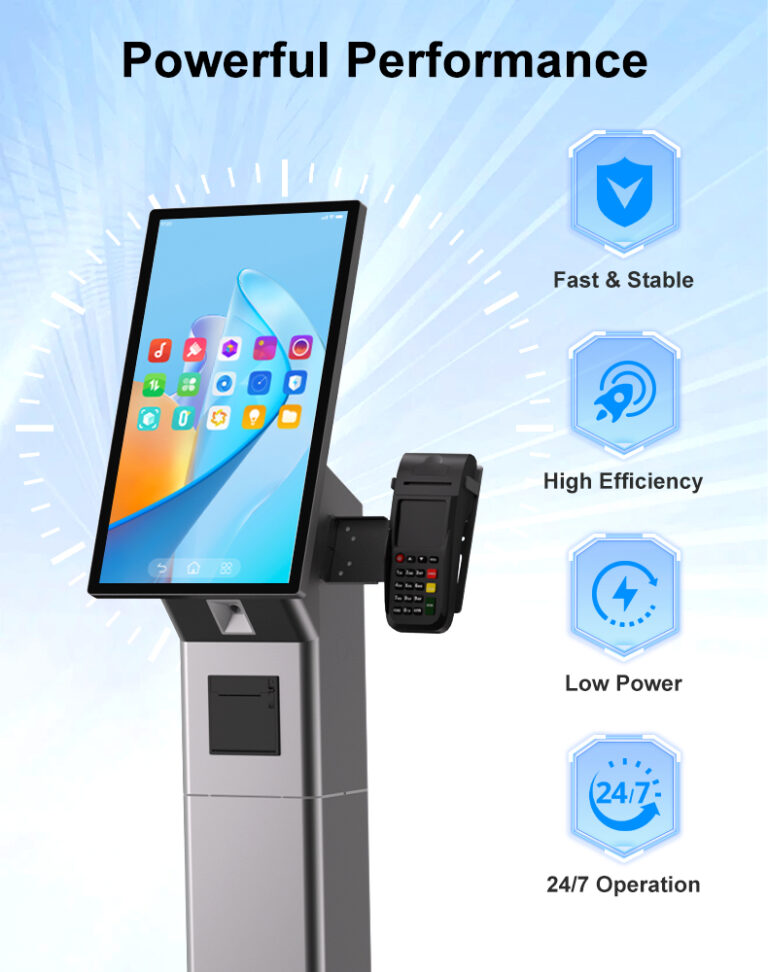
A consumer tablet costs a fraction of a commercial touch screen monitor, and on a demo table the two can look almost identical. That similarity collapses the moment both are deployed: the consumer device was engineered for a few hours of daily use in a living room, while the commercial unit is engineered for continuous ... <a title="Commercial Touch Screen Monitor vs. Consumer Display: What Is the Difference?" class="read-more" href="https://levinko.com/commercial-touch-screen-vs-consumer-displays/" aria-label="Read more about Commercial Touch Screen Monitor vs. Consumer Display: What Is the Difference?">Read more</a>
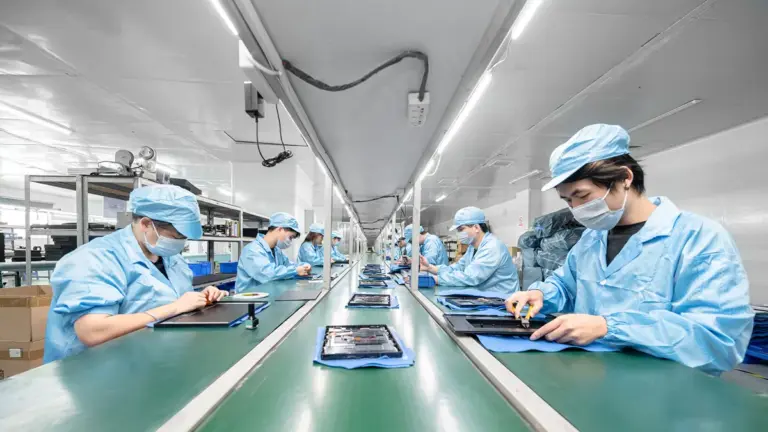
Choosing a touch screen monitor is a product decision; choosing who builds it is a business decision. The manufacturer determines whether your second order matches your first, whether engineering questions get answered in a day or a week, and whether a hardware problem in the field becomes a couriered spare part or a six-week argument. ... <a title="How to Choose a Touch Screen Monitor Manufacturer for OEM and Commercial Projects" class="read-more" href="https://levinko.com/how-to-choose-a-touch-screen-monitor-manufacturer/" aria-label="Read more about How to Choose a Touch Screen Monitor Manufacturer for OEM and Commercial Projects">Read more</a>
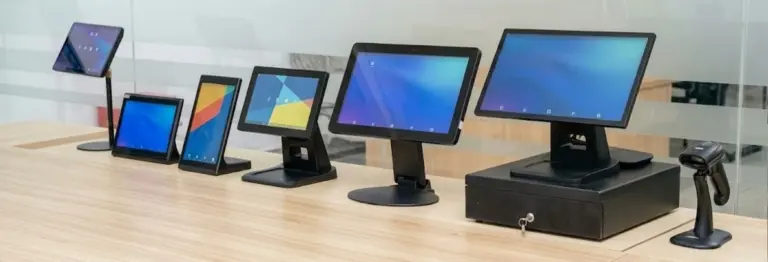
See what drives commercial touch screen monitor price: panel grade, tamanho, touch tech, computing platform and customization — and how to budget bulk orders.
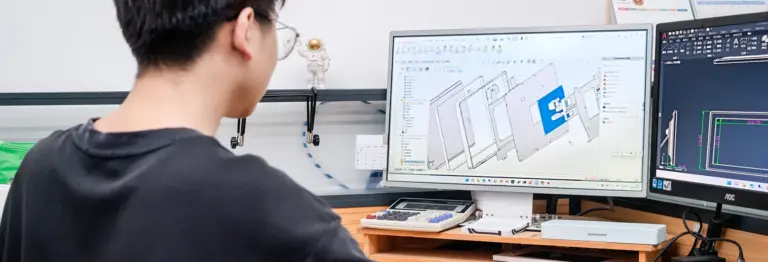
See what a custom touch screen monitor program covers: branding, materials, interfaces, board-level design, certifications and lead times for B2B OEM projects.
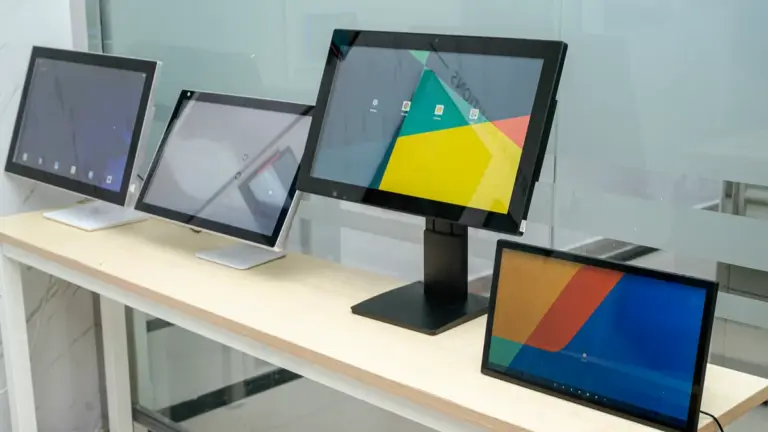
Compare touch screen monitor for business options across 12 factors: panel grade, touch tech, PoE power, 24/7 reliability and certifications before you order.
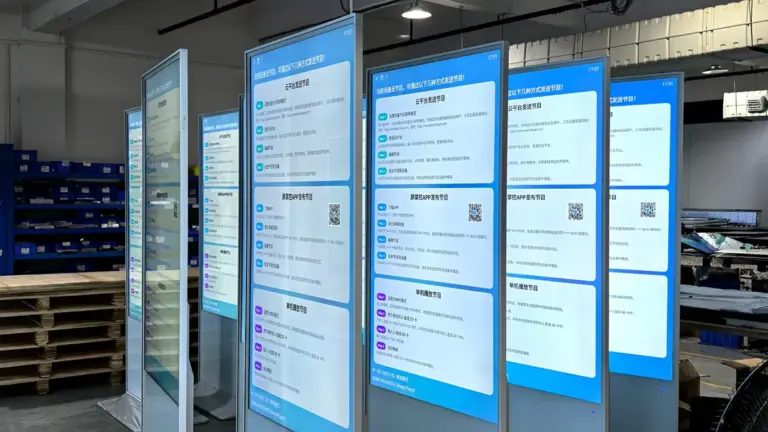
Compare diferentes tipos de monitores com tela sensível ao toque para empresas, incluindo área de trabalho, montado na parede, quadro aberto, e displays de quiosque. Aprenda como escolher a solução comercial de tela sensível ao toque certa.
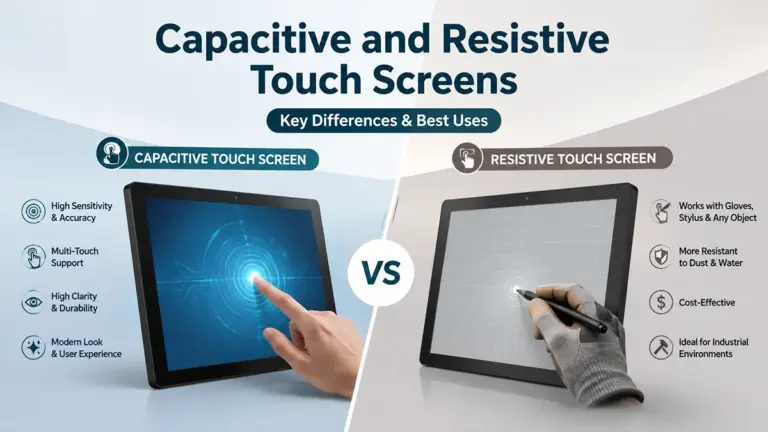
Compare capacitivo vs.. monitores de tela sensível ao toque resistivos para uso comercial. Aprenda suas diferenças, vantagens, aplicações, e como escolher a tecnologia de toque certa.
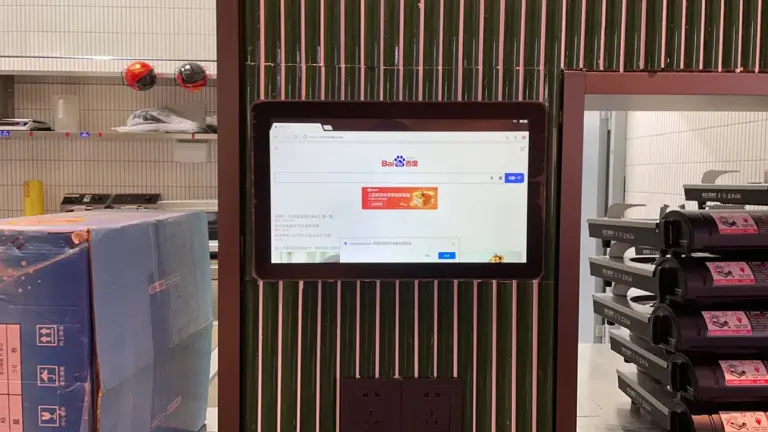
Saiba o que é um monitor touch screen, como funciona, suas principais tecnologias de toque, aplicações comerciais, e como escolher a solução OEM certa.
Inspired by our insights? Let our hardware engineering team turn your software concepts into a reliable, market-ready reality.



