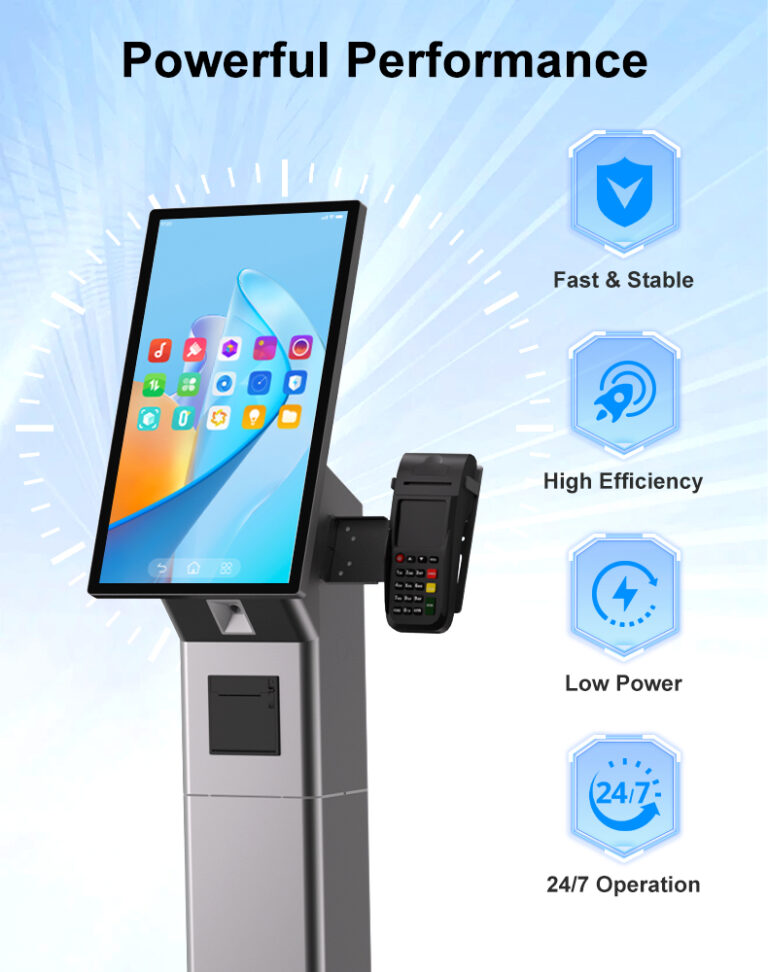
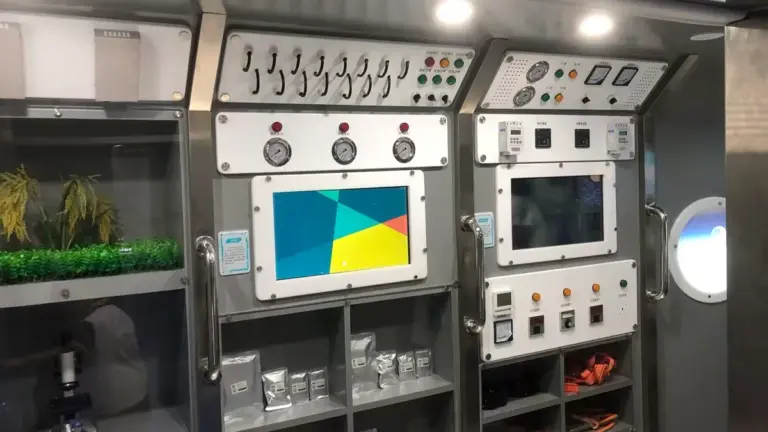
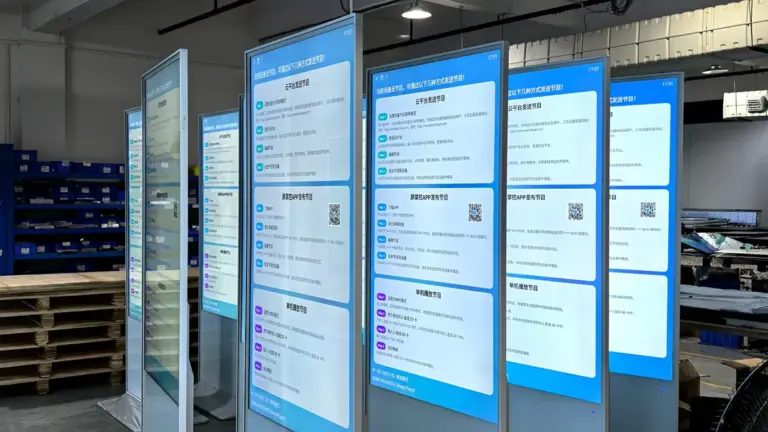
This guide covers what actually makes a touch screen monitor survive continuous commercial duty: the panel grade, the recovery hardware, the thermal design, the factory testing, and the environmental factors that quietly kill “always-on” deployments. It is written for operations managers and procurement leads who will own these devices long after the installation crew has left. If you are still choosing hardware categories, our primer on how touch screen monitors work is the right starting point.
Points clés à retenir
- Consumer panels are engineered for a few hours of daily use; commercial 24/7 panels are built for tens of thousands of continuous hours — the difference shows up in year two, not day one.
- A-grade IPS panels resist the yellowing and brightness decay that consumer screens develop under continuous backlight load.
- A hardware watchdog is the single most valuable reliability feature on unattended displays — automatic recovery from freezes instead of a service call.
- Ask suppliers for their factory aging-test policy: units that run at full load before shipment catch infant mortality at the factory, not on your wall.
- Environment completes the picture: ventilation, ambient temperature, stable power, and correct mounting determine whether a 24/7-rated unit actually achieves 24/7 life.
What 24/7 Actually Means for a Display
“24/7 noté” is a promise about thermal engineering, component selection, and duty cycle — and it is measurable. A display in continuous duty runs its backlight, power supply, and computing board at load essentially all the time. Over a five-year deployment that is more than 43,000 heures. Components qualified for that life are different from components qualified for a television that runs four hours a day: backlights with higher hour ratings, power supplies sized for continuous draw instead of peak bursts, capacitors rated for sustained heat, and firmware that manages panel health rather than assuming nightly rest.
The duty cycle distinction matters in procurement language. When a spec sheet says a monitor supports 24/7 opération, the questions to ask are: what ambient temperature range does that rating assume, what does the warranty cover under continuous use, and is the rating for the whole device or only the panel? A commercial touch display is a system — panel, touch controller, carte informatique, power electronics — and continuous-duty capability has to hold across all four layers. Suppliers who publish continuous-operation ratings per series (like the 24/7-rated touch monitor lines in the Levinko catalog) are making a system-level claim you can hold them to.
Panel Grade: Where Consumer Builds Fall Short
The panel is the component that ages most visibly. Under continuous backlight load, lower-grade panels develop two failure modes that customers notice before your maintenance dashboard does: brightness decay, where the display dims unevenly across the surface, et yellowing, where prolonged heat shifts the color output toward warm. Commercial-grade displays specify A-grade panels — with IPS technology preferred for its stable color and wide viewing angles — selected and qualified for sustained operation, which holds image quality over years of always-on use instead of months.
Touch layers age too. Consumer capacitive sensors and adhesives can degrade with the constant contact and cleaning chemicals of public use. Commercial touch monitors bond tempered glass with adhesives and coatings selected for public-duty cycling — thousands of touches a day, alcohol-based wipe-downs, and temperature swings. The front-panel assembly on commercial units is typically rated IP65, which matters less for rain and more for the cleaning regime: sealed fronts survive the wet cloth; unsealed fronts accumulate moisture at the edges and develop the ghost-touch faults that plague consumer screens in public spaces. Our comparison of capacitive and resistive touch technologies covers the sensor-level trade-offs.
Watchdog Recovery and Unattended Operation
Continuous operation is not just about preventing failures — it is about surviving them. Software freezes, memory leaks, and power disturbances are statistical certainties across a fleet of always-on devices; the difference between a good deployment and a bad one is whether each event resolves itself. UN hardware watchdog is a board-level circuit independent of the operating system: it monitors system health, and when the system stops responding, it forces a hardware restart. On Levinko’s commercial displays, the watchdog recovers a frozen unit in roughly 50 seconds — fast enough that the morning shift never sees the overnight fault.
Verify the watchdog behavior in procurement: does it restart the application only, or the full system? Does the application auto-launch after recovery? Can watchdog timing be tuned through the platform’s firmware? Pair it with kiosk-mode boot behavior — the device boots directly into your application after any restart — and a fleet becomes self-healing: freeze at 2 a.m., recovered at 2:01, and the event log tells you it happened. Without recovery hardware, the same freeze becomes a ticket, a site visit, and a dead screen for hours or days. For more on the software side of unattended operation, see our guide to commercial touch monitor formats and their deployment roles.
Thermal Design and Continuous Operation
Heat is the quiet antagonist of every 24/7 deployment. Every watt a display and its computing board draw becomes heat inside the enclosure, and sustained heat is what ages capacitors, backlights, and adhesives prematurely. Commercial continuous-duty designs manage this deliberately: metal chassis and housings that conduct heat away from hot components, fanless ARM platforms where the workload allows (fans being the classic first mechanical failure), and thermal paths validated at full load rather than at idle. Le “rugged metal housing” language on industrial-grade series such as the MT01 touch monitors rated for 24/7 opération is thermal engineering, not styling.
Your installation either preserves that engineering or defeats it. Enclosing a display in an unventilated recess, aiming sunlight (or hot equipment exhaust) at it, or stacking heat-producing peripherals against the housing all raise internal temperatures beyond the rating. The vendor’s ambient temperature specification assumes the installation gives the unit its stated clearance and airflow — treat those clearance numbers in the datasheet as requirements, not suggestions, and document them in the installation drawings so the construction team does not build them away.
Factory Aging Tests and Quality Gates
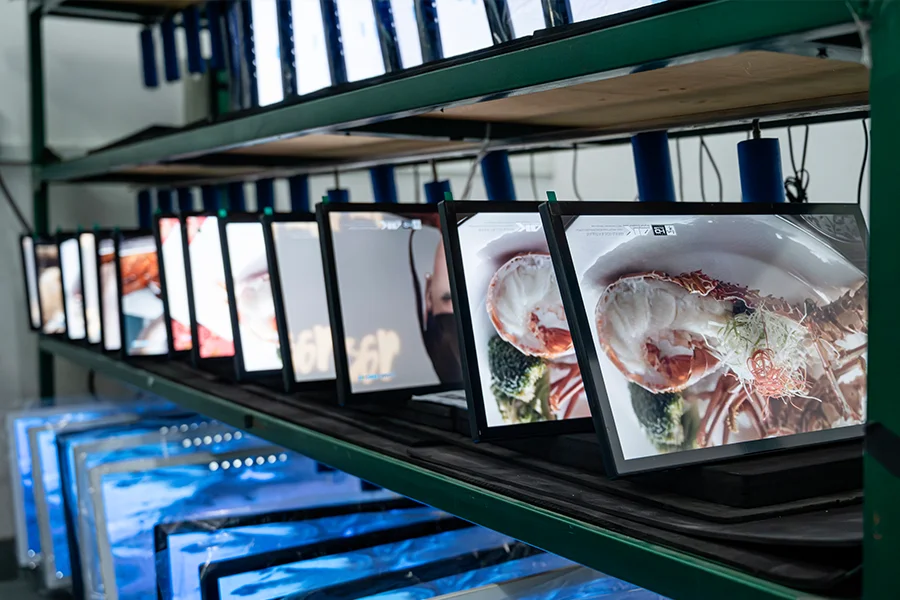
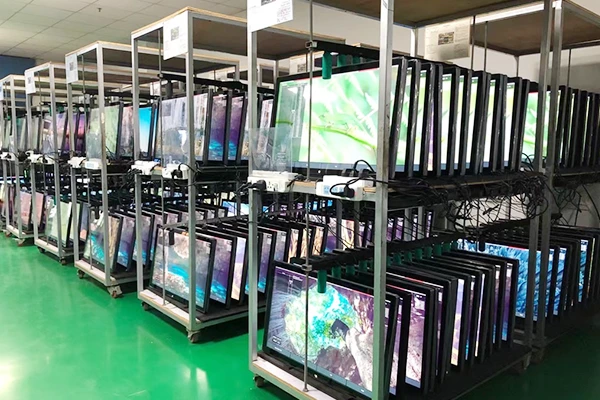
Electronic failures follow a bathtub curve: units that will fail early tend to fail very early. The purpose of factory tests de vieillissement — running every unit at full load before shipment — is to force those early failures to happen at the manufacturer’s test station instead of on your wall, in front of your customer. When evaluating suppliers, ask directly: does every unit run a full-load aging test before packing, or is testing sampled? What does the test cover — panel, touch function, carte informatique, périphériques? What happens to units that fail? A factory operating under ISO 9001 discipline with standard operating procedures across the line can answer these precisely; the answer tells you more about fleet reliability than any spec sheet line.
The same logic extends to the component stream. Suppliers who run their own SMT lines and PCBA assembly — rather than buying whatever boards the market offers that quarter — can hold component quality steady across a production run and support the hardware for its full life. A look at the manufacturing operation behind the products (SMT lines, assembly under SOP, incoming quality control, burn-in stations) is due diligence that procurement teams rarely regret. The goal is simple: the unit you receive should already have survived its riskiest week of life.
Pouvoir, Environment and Installation Factors
Three environmental factors decide whether a 24/7-rated unit achieves its rating in practice. Power quality: continuous-duty sites are not always kind to power — voltage sags, spikes, and brownouts stress power supplies cumulatively. For critical positions, conditioned power or UPS backing for the display extends supply life and prevents the corruption events that soft power interruptions cause. Ambient conditions: sunlit glass corridors, kitchens, loading docks, and plant floors each push temperature, humidity, poussière, or grease beyond office assumptions; match the deployment position to the unit’s operating envelope, and use IP-rated or industrial-grade units where the environment is harsh. Mounting and ventilation: follow the stated clearances, keep vents unobstructed, and never enclose a convection-cooled unit in insulation.
Plan the service model alongside the environment. Even perfect hardware has a consumable horizon — backlights and power supplies eventually age — so the procurement question is how service happens: does the supplier ship replacement boards with documentation for field swaps, what is the RMA response time, and are spares available for the model years you are deploying? A one-year warranty with a 24-hour engineering response and board-level replacement parts is a stronger operational position than a longer warranty that requires returning units overseas. Industrial-grade platforms like the IE-series embedded panel PCs exist precisely for the positions where environment and duty cycle are both demanding.
UN 24/7 Readiness Checklist for Buyers
Take this list into supplier conversations and insist on specific answers:
- Panel: A-grade commercial panel, IPS preferred, qualified for continuous operation — not a consumer panel rehoused.
- Recovery: hardware watchdog on the board (ask the recovery time), application auto-start after restart, kiosk mode configurable at the factory.
- Thermals: published ambient temperature range, enclosure designed for continuous load, installation clearances stated in the datasheet.
- Testing: full-load aging test on every unit before shipment, under a certified quality management system (ISO 9001).
- Protection: tempered glass front, IP65-rated front panel for positions exposed to wiping or splashing.
- Service: defined warranty under continuous use, 24-hour technical response, board-level replacement parts available, spare-parts plan for your fleet size.
A supplier who answers all six with specifics is selling a continuous-duty system; one who answers with adjectives is selling a screen. When the answers hold, 24/7 stops being a risk category and becomes what it should be — the quiet background condition of a deployment nobody has to think about. For harsh-environment positions, extend this checklist with our guide to IP ratings and ingress protection, and review the support and service commitments before the volume order.
Foire aux questions
Can a consumer touch screen monitor run 24/7 in a commercial setting?
It will run, but it is not engineered for it, and the gap shows within the first years. Consumer panels are rated for a few hours of daily use; under continuous backlight load they develop brightness decay and yellowing, their adhesives and touch sensors degrade under public contact and cleaning chemicals, and they lack the watchdog recovery hardware that lets unattended displays self-heal after a freeze. For always-on deployments, a commercial 24/7-rated monitor costs more up front and fails far less expensively.
What is a hardware watchdog in a commercial display?
It is a board-level circuit that monitors system health independently of the operating system. When the software freezes or the system stops responding, the watchdog forces a hardware restart automatically — on Levinko’s commercial displays, recovery happens in roughly 50 secondes. Combined with kiosk-mode boot (the application launches automatically after restart), a frozen kiosk or panel heals itself overnight without a service call, which is the core reliability mechanism for unattended 24/7 deployments.
Why do commercial touch screens yellow over time — and how is it prevented?
Yellowing is cumulative heat stress on the panel and its optical layers under continuous backlight load — the display’s color output drifts warm, unevenly, over thousands of hours. Commercial-grade monitors prevent it by specifying A-grade panels (IPS preferred) qualified for sustained operation, thermal designs that move heat away from the optical stack, and factory aging tests that screen out units with early drift. Correct installation matters too: adequate ventilation clearance keeps internal temperatures inside the qualification range.
What factory tests should a 24/7 touch screen monitor pass before shipment?
At minimum: a full-load aging or burn-in test on every unit — running the panel, touch system, and computing board under power to force early-life failures at the factory rather than on site — plus functional touch and display checks and verification of peripherals where fitted. The strongest signal is a factory operating under ISO 9001 with standard operating procedures across SMT, assemblée, and test stations, because consistency of process is what keeps unit number one thousand as reliable as unit number one.
Does an IP65 rating relate to 24/7 reliability?
Oui, indirectly. An IP65-rated front panel seals the display against dust and water jets, which in practice protects against the two slow killers of always-on screens in public spaces: cleaning regimes (wipe-downs and chemicals seeping into unsealed fronts) and airborne dust and moisture accumulating at the touch layer’s edges, where they cause ghost touches and drift. The sealing does not replace continuous-duty panel and thermal engineering, but it removes an entire class of environment-driven failures from the reliability budget.